Manual ACK-3401U
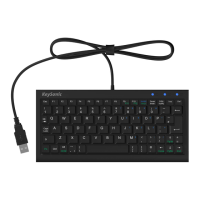
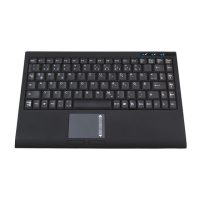
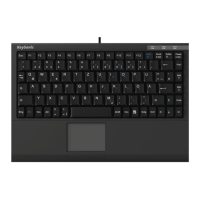
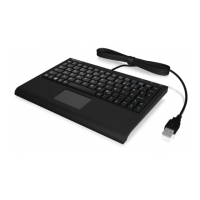
ACK-3401U
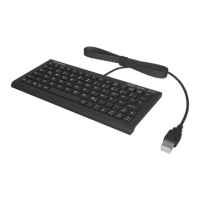
Super Mini Keyboard
Packing contents
• Keyboard
• User manual
Key features
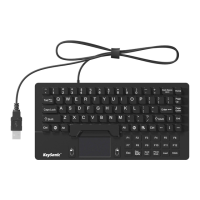
• Super mini keyboard in compact design
• X-type membrane technology
• Modern design in SoftSkin coating
• Plug & Play, no special driver necessary
• Supports Windows
System requirements
This keyboard requires a PC with USB connection and one of the following operating systems:
Windows 98SE/ME/2000/XP/Vista/7/8/10
How to use the keyboard
Connection of the keyboard to the PC
• Connect your keyboard to a free USB port on your computer.
• Older operating systems do not always support automatic hardware recognition. Check
whether your BIOS system supports USB keyboards. Some main board manufacturers offer
BIOS up-dates in the Internet for downloading.
Virtual numeric keypad
• Press the „NumLk“ key in order to switch the virtual numeric keypad function on and off.
• With activated NumLk function you can hold pressed the key „Fn“ for temporary deactivation of
the virtual numeric keypad.



 To Next Page