Audio system
529
MENU : iPod
®
In iPod
®
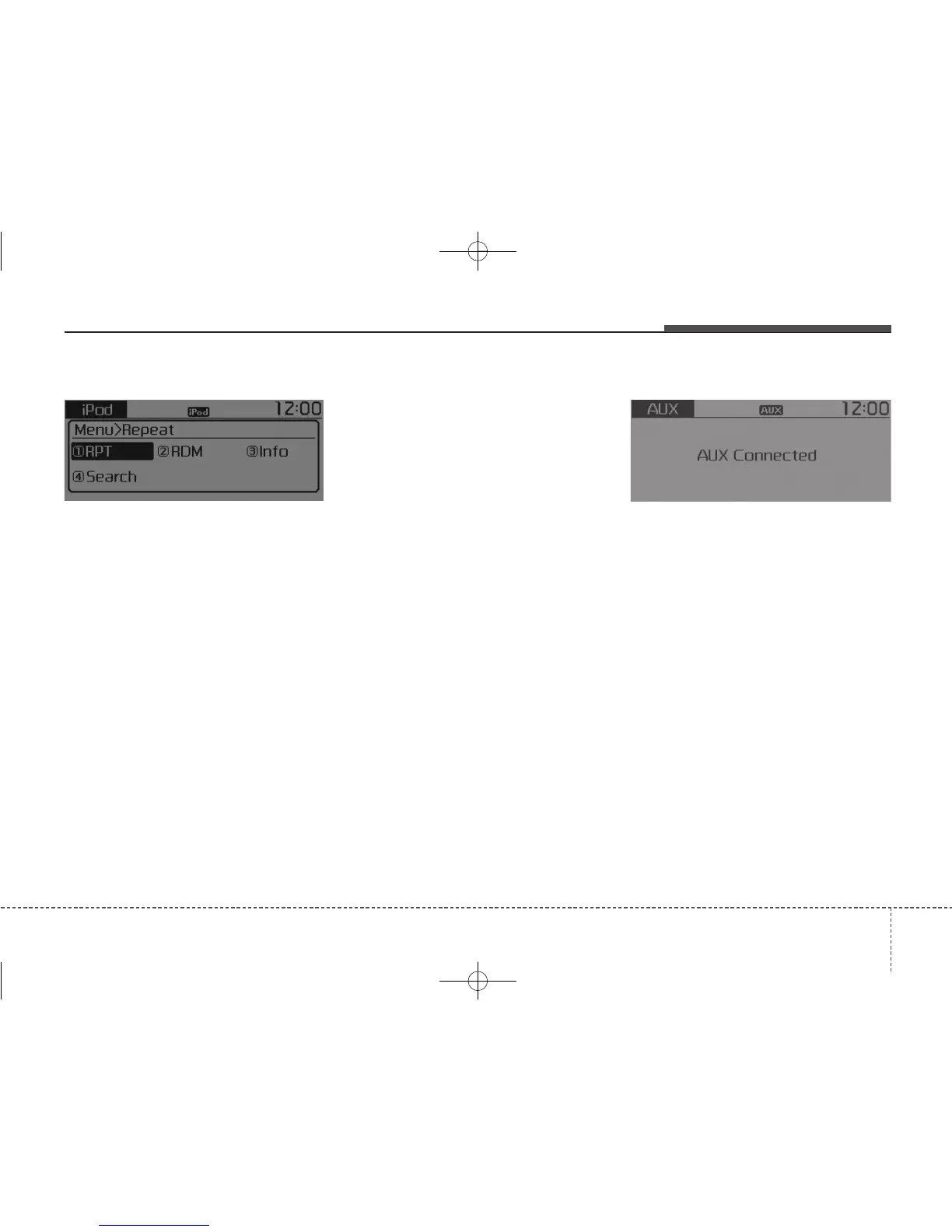
mode, press the [MENU]
button to set the Repeat, Random,
Information and Search features.
Repeat : [1] Button
Repeat the current song.
Press RPT again to turn repeat off.
Random : [2] Button
Plays all songs within the currently
playing category in random order.
Press RDM again to turn off.
Information : [3] Button
Displays information for the current
song.
Press the [MENU] button to turn off
info display.
Search : [4] Button
Displays iPod
®
category list.
While in iPod
®
category sublists,
press the [MENU] button to move up
to the parent category.
MENU : AUX
AUX is used to play external MEDIA
currently connected with the AUX
terminal.
AUX mode will automatically start
when an external device is connect-
ed with the AUX terminal.
If an external device is connected,
you can also press the [MENU] but-
ton to change to AUX mode.
AUX mode cannot be started unless
there is an external device connect-
ed to the AUX terminal.
✽✽
NOTICE - Using the AUX
Fully insert the AUX cable into the
AUX terminal for use.



 To Next Page