(Continued)
• Upon
downloading contacts data,
previously saved contacts data will
be deleted.
• Downloading is not possible if the
contacts download feature is
turned off within the
Bluetooth
®
Wireless Technology device. Also,
some devices may require device
authorization upon attempting to
download. If downloading cannot
be normally conducted, check the
Bluetooth
®
Wireless Technology
device setting or the screen state.
• Caller ID information will not be
displayed for unsaved callers.
• The download feature may not be
supported in some mobile phones.
Check to see that the
Bluetooth
®
Wireless Technology device sup‐
ports the download feature.
Voice Recognition Mode (if
equipped)
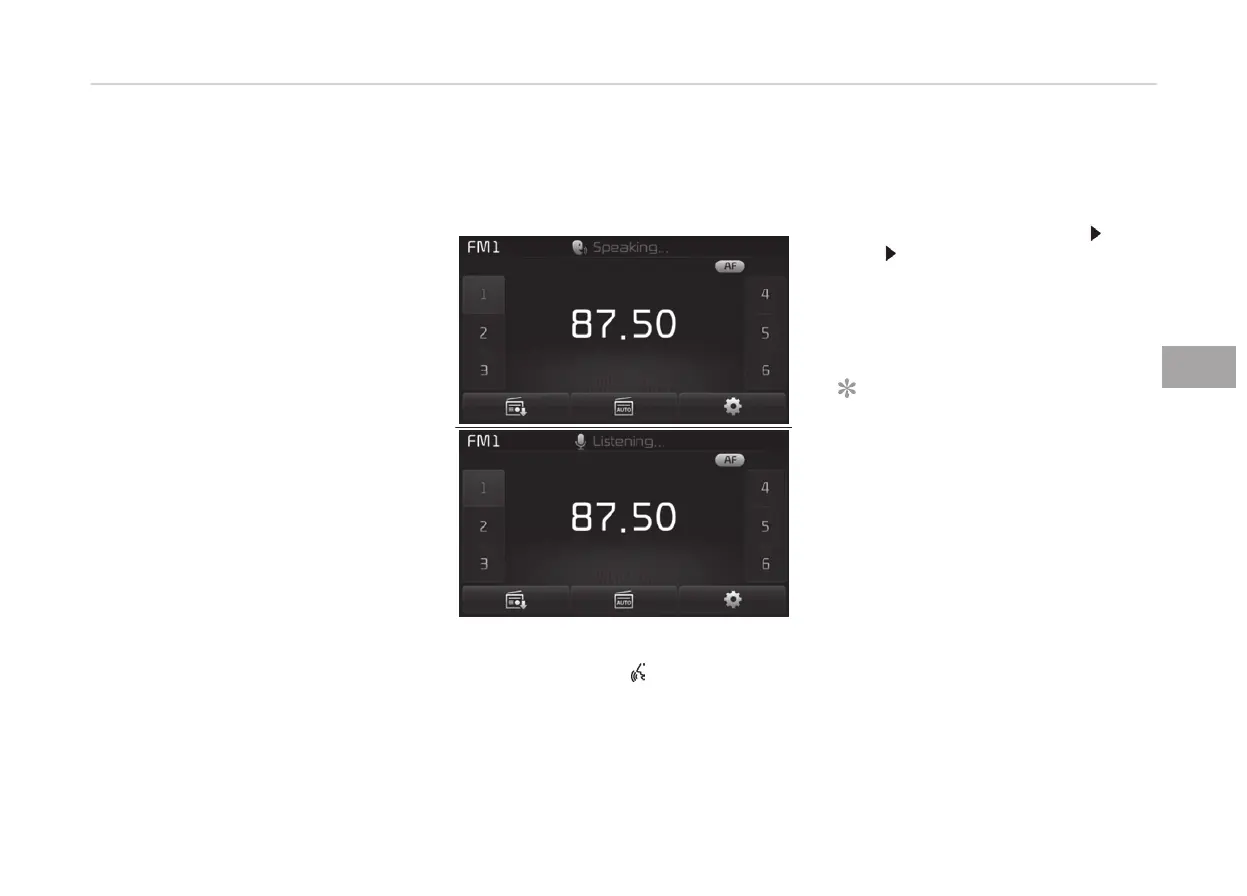
Using Voice Recognition
Starting Voice Recognition
Shortly press the
button on the
steering wheel controls Say a com‐
mand.
If voice recognition is in [Normal Mode],
then the system will say Please say a
command. Ding~
• If voice recognition is in [Expert
Mode], then the system will only say
a Ding~
• To change the Normal Mode/Expert
Mode setting, go to
[SETUP]
[Sys‐
tem] [Voice Recognition System].
For proper recognition, say the com‐
mand after the voice instruction and
beep tone.
NOTICE
n
Phonebook List Best Practice
1. Do
not store single-name en‐
tries (e.g., Bob, Mom, Kim,
etc.). Instead, always use full
names (including first and last
names) for phonebook (e.g., use
Jacob Stevenson instead of
Dad).
2. Do not use abbreviations (i.e.,
use Lieutenant instead of Lt.
or Sergeant instead of Sgt.).
(Continued)
5-91
5
Audio system



 To Next Page