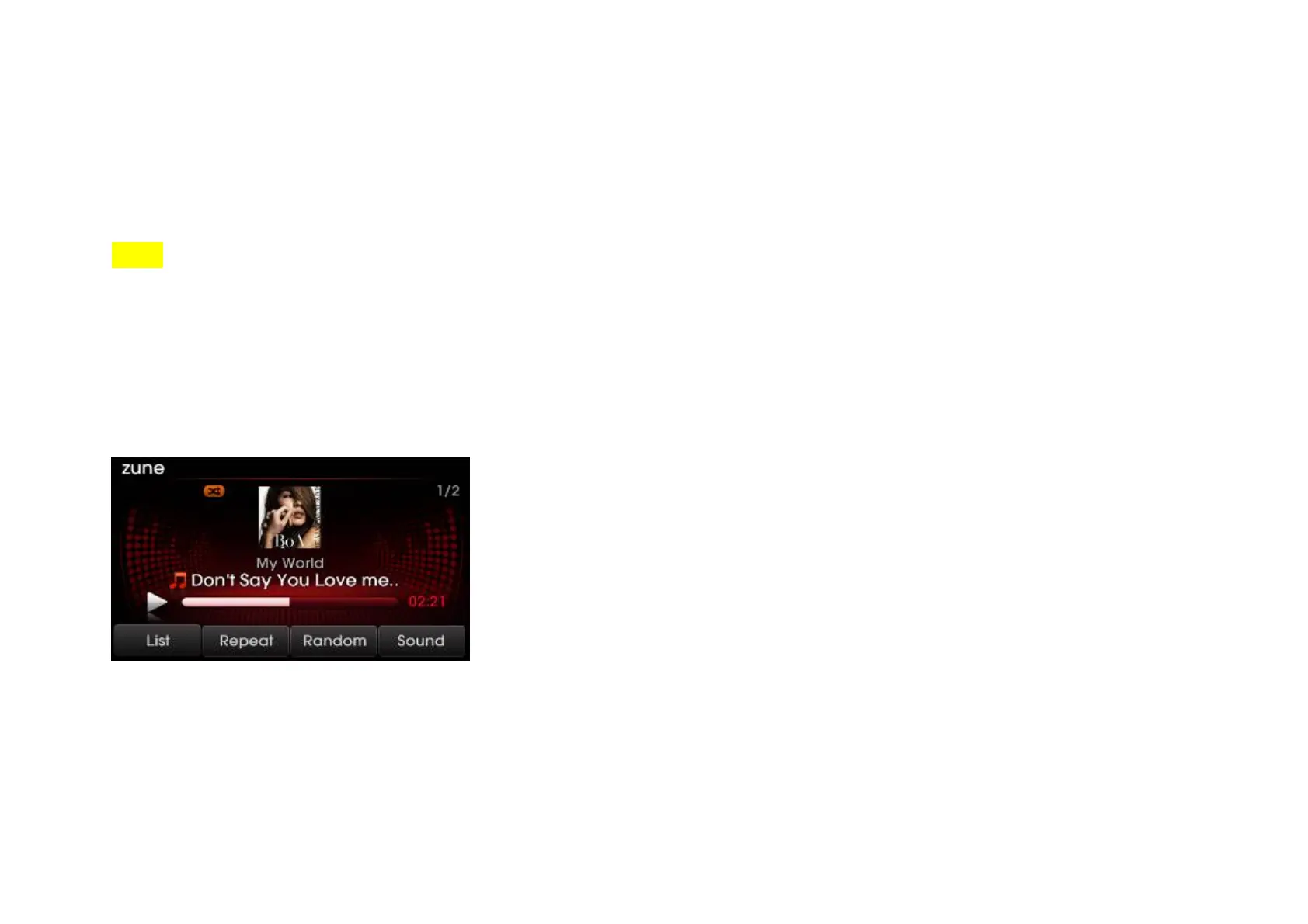
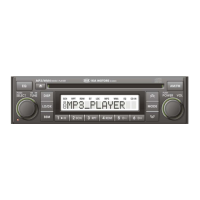
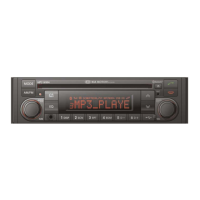
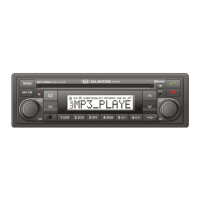
When connecting some external media formats, the system requires time for media indexing. In the case of zune files, the system will take 60ms/song.
Selecting zune music
Selecting through song up/down
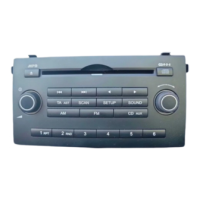
1. Press the [SEEK TRACK ∧] or [SEEK TRACK ∨] keys (under 0.8 seconds) on the control panel or the [ ] keys on the steering wheel controller to play ∧∨
the desired file.
NOTE
If the [SEEK TRACK ] key ∨ on the Control panel or [ ] key on the steering wheel controller∨ are pressed and released after the file has played for
more than 3 seconds, the start of the current file will begin playing. If the file has been playing for less than 3 seconds, the start of the previous file will begin
playing.
Selecting through manual search
1. Turn the [TUNE] knob on the control panel in clockwise or counter-clockwise direction. Each click will display information about the selected file.
2. Press the [TUNE] knob to play the selected file.
Selecting from the playlist
1. Press the [List] button.
89


 To Next Page