7
4. Troubleshooting Guide
3. Other Alarm Visual And Audible Indicators
If you require further information please contact Product Support at 1-800-880-6788 or write us at:
Kidde, 1016 Corporate Park Drive, Mebane, NC 27302. Our internet address is www.kidde.com.
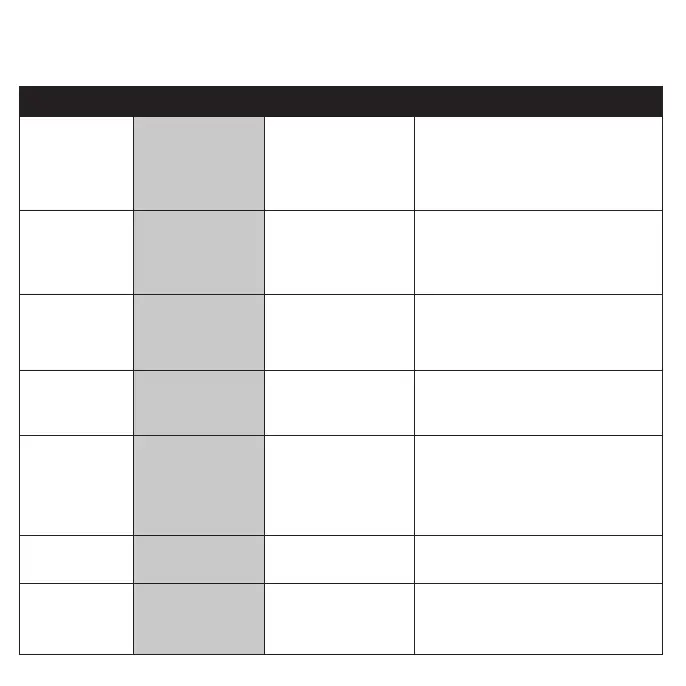
Trouble Condition
Visual Indications Audible Indications Action
Low Battery Amber LED blinks every
60 sec.
Chirp every 60 sec. * Push button once to silence for 24 hrs. (Push
button again to clear Hush
TM
and perform a
test.) Note: 7 days after Low Battery begins, the
notifications cannot be silenced.
* Replace batteries as soon as possible.
Smoke Sensor Fault Amber LED blinks every
60 sec.
3 chirps every 60 sec. * See Cleaning Your Alarm section.
* Push button once to attempt to reset the unit.
* If error continues, remove alarm,
dispose unit, and replace as soon as possible.
CO Fault Amber LED blinks 2
times every 60 sec.
3 chirps every 60 sec. * Push button once to attempt to reset the unit.
* If error continues, remove alarm, dispose unit,
and replace as soon as possible.
Fatal Fault Amber LED blinks 3
times every 60 sec.
3 chirps every 60 sec. * Push button once to attempt to reset the unit.
* If error continues, remove alarm, dispose unit,
and replace as soon as possible.
End of Unit Life Amber LED blinks 2
times every 60 sec.
2 chirps every 60 sec. * Push button once to silence for 24 hrs. (Push
button again to clear Hush
TM
and perform a
test.) Note: 7 days after End of Unit Life begins,
the notifications cannot be silenced.
* Remove alarm, dispose unit, and replace as
soon as possible.
MCU Failure None Constant Tone * Remove alarm, dispose unit, and replace as soon
as possible.
Stuck Button Amber LED blinks 4 times
every 60 sec.
3 chirps every 60 sec. * Push button to dislodge it from being stuck.
If button cannot be unstuck, remove alarm,
dispose unit, and replace as soon as possible.


 To Next Page