EasyManua.ls Logo

Kidzone 360 Rotation Bumper Car - User Manual

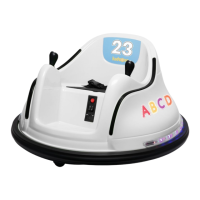
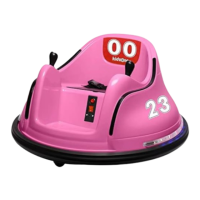
Kidzone 360 Rotation Bumper Car
24 pages
Print Icon
To Next Page IconTo Next Page
Loading...
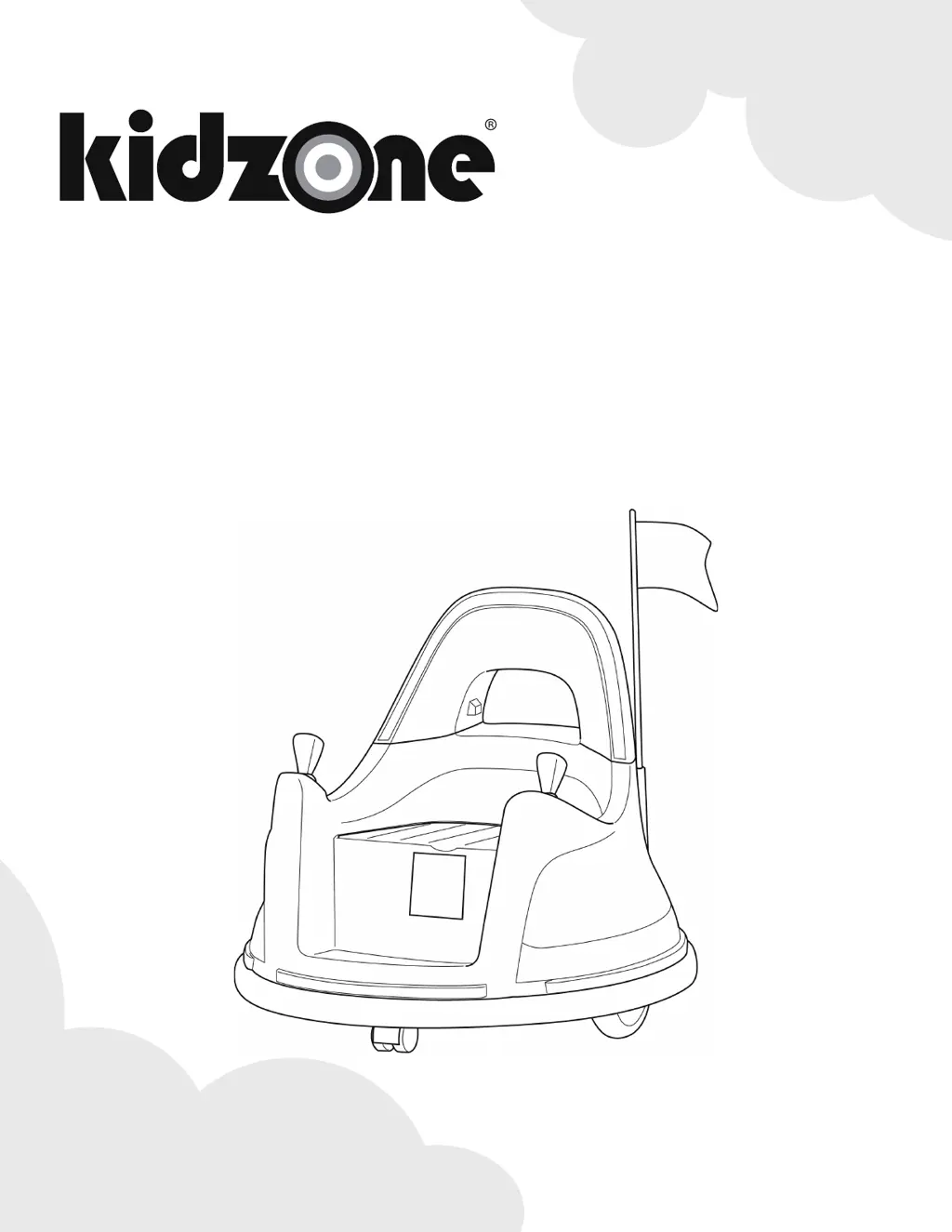
360 Rotation Bumper Car (12V) 2 Speed (Kidzone App)
Owners Manual
060-ROT-16
*Product appearance and colors may vary from the photo.
www.kidzonetoys.com

Questions and Answers

  • M
    melissa06Aug 7, 2025
    Why does my Kidzone 360 Rotation Bumper Car run very slow?
    • A
      Angelica ChambersAug 7, 2025
      If your Kidzone Motorized Toy Car runs very slow, there might be several reasons. First, ensure the battery is fully charged. If that doesn't help, the battery might be old and need replacement. Also, check that the vehicle isn't overloaded, as the user's weight should be under 66 lb / 30 kg. Finally, avoid using the vehicle in harsh environments.
  • R
    Roberto PattersonAug 13, 2025
    What to do if my Kidzone Motorized Toy Car does not move?
    • T
      Travis BauerAug 13, 2025
      If your Kidzone Motorized Toy Car does not move, several factors could be at play. Start by ensuring the battery is fully charged. Check if the fuse has tripped, it will reset automatically in about 10-15 seconds. Make sure the battery is properly connected or reconnected. If none of these steps work, the battery or engine may have failed, and you should contact Customer Service.
  • H
    hamiltonjenniferAug 19, 2025
    Why does my Kidzone 360 Rotation Bumper Car Motorized Toy Car not run very long?
    • J
      Jimmy AlexanderAug 19, 2025
      If your Kidzone Motorized Toy Car doesn't run very long, the battery may be low, so fully charge it. If the problem persists, the battery might be old or damaged and need replacement.
  • J
    Joanne CarpenterAug 26, 2025
    How to fix Kidzone 360 Rotation Bumper Car Motorized Toy Car battery that does not charge?
    • P
      pbowersAug 26, 2025
      If the Kidzone Motorized Toy Car battery isn't charging, start by checking and reconnecting the battery to ensure it's properly connected. Also, verify the charger is correctly plugged into the power source and connected to the charging port. If the charger still isn't working, contact customer service.
  • A
    Andrew JarvisAug 31, 2025
    What to do if my Kidzone Motorized Toy Car needs a push to go forward?
    • M
      margaretreyesAug 31, 2025
      If your Kidzone Motorized Toy Car needs a push to go forward, it could be due to a poor wire connection. Check the battery connectors. If the issue persists, contact customer service, as it might indicate a “dead spot” on the motor.

Summary

Safety Instruction

General Safety Precautions

Basic safety rules, weight capacity, operating surface, supervision, and protective gear.

Fire and Electrical Safety Warnings

Warnings on battery handling, electrical shock, fire hazards, and corrosive chemicals.

Product Specification

Product Specifications

Lists model number, battery, charger output, charge time, speed, age, and weight limits.

Parts and Accessories

Identification of Parts

Lists and illustrates the main components: car body, backrest, joystick, screws, remote, and charger.

Assembly Instruction

Assembling the Backrest

Steps to connect the backrest to the car body using electrical connectors.

Attaching Joysticks and Screws

Instructions for attaching joysticks to the car body with provided screws.

Connecting the Battery

Procedure to connect the battery wire after temporary seat removal.

Users Instruction

Joystick Operation

How to use joysticks for movement: forward, backward, turning, and spinning.

Control Panel Overview

Details on Power Button, Speed Button, Control Button, and basic indicators on the control panel.

Control Panel Lights and Connectivity

Explains upper/bottom lights, power indicator, charging port, and Bluetooth indicator functions.

Remote Control Operation

Instructions for pairing and controlling the vehicle using the remote control.

Remote Control Battery Replacement

Steps for changing remote control batteries and associated safety warnings.

Battery Charging Procedure

How to charge the vehicle's battery, indicators, time, and important notes.

Care and Maintenance

Product Care and Maintenance Tips

Regular checks, storage, cleaning, lubrication, and battery care.

Troubleshooting

Troubleshooting Vehicle Movement Issues

Solutions for vehicle not moving, running slow, or not running long.

Troubleshooting Vehicle and Charging Issues

Solutions for push-to-go, motor sounds, charging problems, and stopping issues.

Limited Term Warranty

Warranty Terms and Conditions

Details on warranty coverage, exclusions, and claim procedures.

FCC Compliance and Safety Standards

FCC Compliance and Safety Standards

Information on FCC rules, safety standards (CPSIA, ASTM-F963), and importer details.

Kidzone 360 Rotation Bumper Car Specifications

General IconGeneral
BrandKidzone
Model360 Rotation Bumper Car
CategoryMotorized Toy Car
LanguageEnglish

Related product manuals