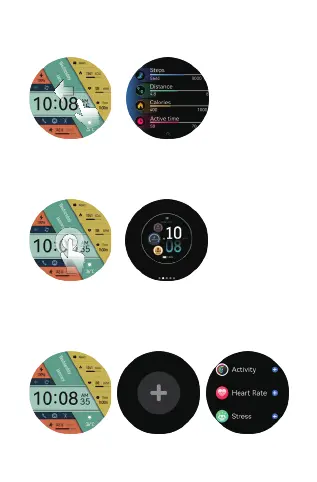
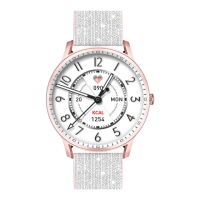
d.shortcut page: Slide left from main page.
f.Smart component: Slide right from watch face in main page
to enter to smart components, click"+" to add components,
up to 6 components. Long press the component to enter the
component editing interface.
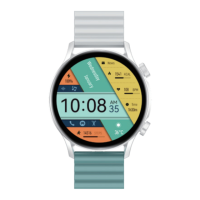
e.Quick access to change watch faces: Long press the
watch face on main page or rotate the upper button to
switch different watch faces.


 To Next Page