Windows SHORTCUTS
macOS SHORTCUTS
Toggle the Switch on the back to Windows mode Toggle the Switch on the back to macOS mode
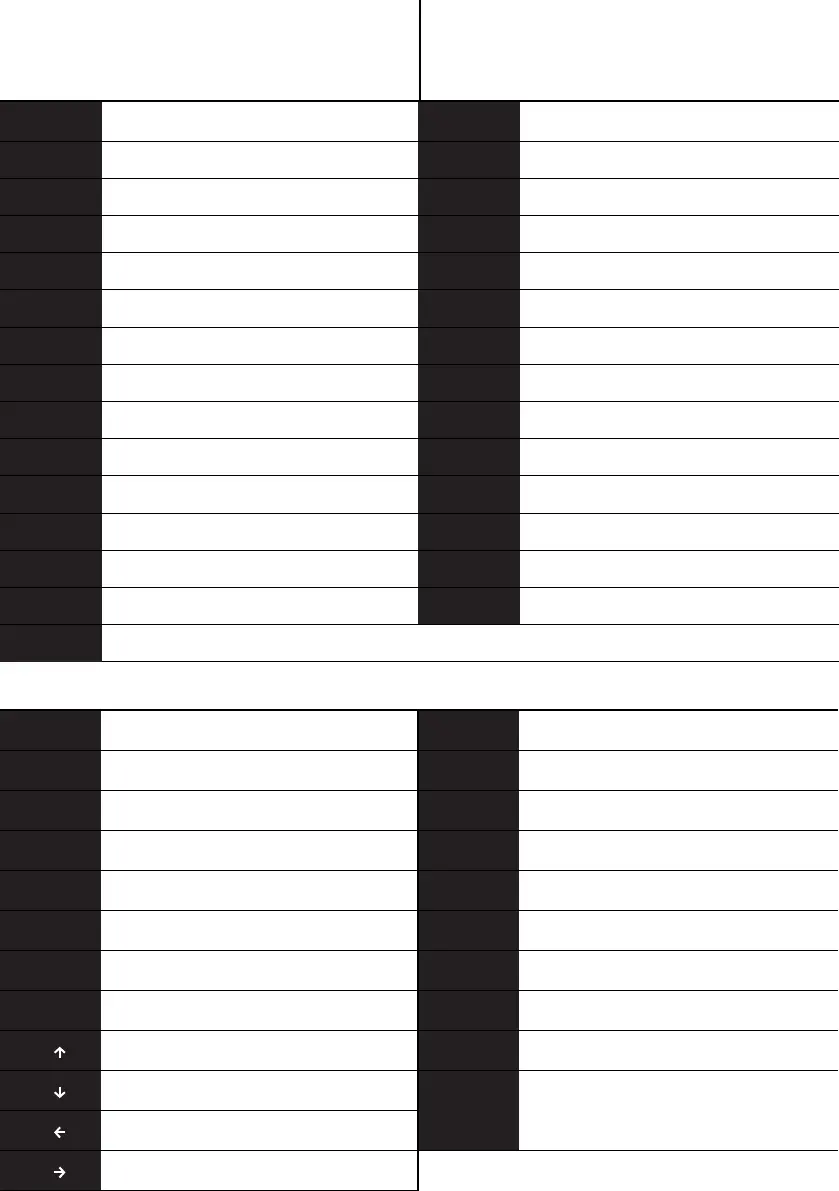
GENERAL FUNCTION SHORTCUTS
Screen Brightness -FN + 1
Screen Brightness +FN + 2
Task SwitchingFN + 3
ExplorerFN + 4
EmailFN + 5
HomepageFN + 6
Last SongFN + 7
Play / PauseFN + 8
Next SongFN + 9
MuteFN + 0
FN + _- VOL -
FN + += VOL +
Fn + Esc `
Fn + Esc
+ Shift
~
Fn + Esc
+ Shift
~
Fn + Esc `
FN+ Ctrl _L Switching the digital area 1,2…….0,-,= and F1‐F12
FN + 1 Screen Brightness -
FN + 2 Screen Brightness +
FN + 3 Task Control
FN + 4 Call SIRI
FN + 5 -
FN + 6 -
FN + 7 Last Song
FN + 8 Play / Pause
FN + 9 Next Song
FN + 0 Mute
FN + _- VOL -
FN + += VOL +
FN + Q
FN + W
FN + E
FN + R
FN + PgUp
FN + PgDn
FN + Insert
Bluetooth Device 1
Bluetooth Device 2
Bluetooth Device 3
2.4G
Turn on/off the RGB
Toggle the backlight color
Toggle the backlight mode
FN + Z
FN + X
FN + C
FN + V
FN + B
Bottom light Brightness -
Bottom light Brightness +
Bottom light Speed -
Bottom light Speed +
Toggle the Bottom light color
FN + N Toggle the Bottom light mode
Fn + K HOME
Fn + L END
Fn+L_Win Lock WIN key (For WIN Only)
Fn+Del
Switching the direction
of the main backlight effect
(part of the light effect is effective)
Check the power level
FN +
FN +
FN +
FN +
Backlight Brightness -
Backlight Brightness +
Backlight Speed -
Backlight Speed +
FN +
Back
space


 To Next Page