EasyManua.ls Logo

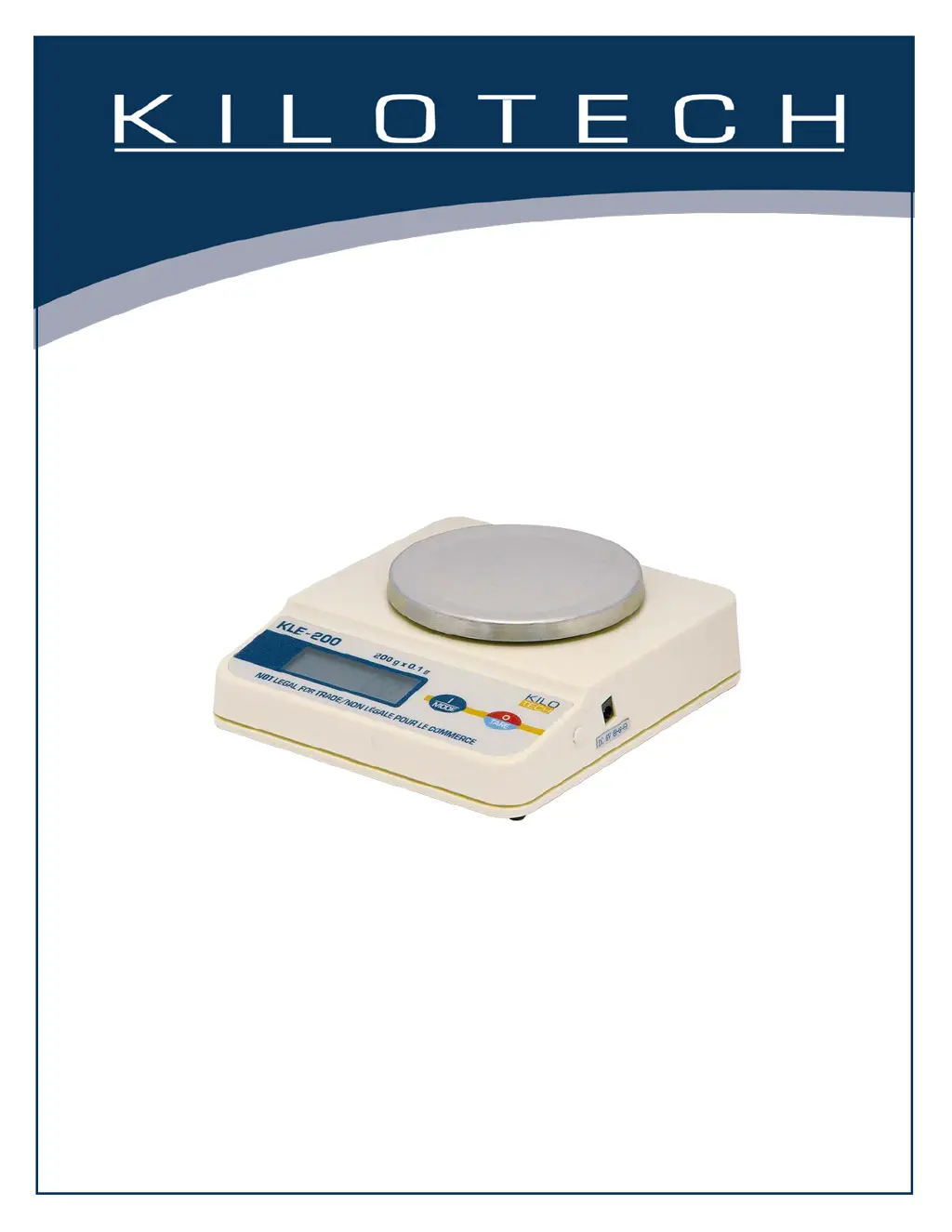
Kilotech KLE Series - User Manual

Kilotech KLE Series
8 pages
Print Icon
To Next Page IconTo Next Page
Loading...
KLE
Operation Manual
Contents subject to change without notice
Version 01.03
11/2016

Questions and Answers

  • T
    Tyler MoodyAug 5, 2025
    Why won't my Kilotech KLE Scales display weight in a particular weighing unit?
    • W
      William GayAug 5, 2025
      If your Kilotech Scales are unable to display weight in a specific weighing unit, it is likely because that weighing unit is not enabled in the Setup menu. To resolve this, use the Unit Selection submenu to turn ON the desired units, referring to the Setup menu for guidance.
  • K
    Kimberly LewisAug 12, 2025
    How to fix LO BAT indicator on Kilotech KLE?
    • J
      Juan WellsAug 12, 2025
      If the LO BAT indicator appears on your Kilotech Scales, it means the batteries are weak and need to be replaced.
  • R
    Rachel ClarkAug 19, 2025
    Why won’t Kilotech KLE store selections made in Setup menu?
    • M
      Mallory PerezAug 19, 2025
      If your Kilotech Scales are not storing selections made in the Setup menu, it is because you did not use the END selection to exit the Setup menu. You MUST use END to exit the Setup menu in order to save your selections.
  • A
    Anthony AndersonAug 27, 2025
    Why am I unable to access C. UNIT in Setup menu on Kilotech Scales?
    • L
      Lorraine MedinaAug 27, 2025
      If you are unable to access C. UNIT in the Setup menu to enter a Conversion Factor on your Kilotech Scales, it is likely because Custom Units (%) are not enabled in the Setup menu or are not set to USR. Use the Unit Selection submenu to set Custom Units (%) to USR.

Summary

Introduction

General Precautions

Unpacking

Installation

Battery Installation

Steps to install AA batteries for scale operation.

AC Adapter

Instructions for connecting the AC power adapter to the scale.

Operation

Turning the scale On and Off

Procedure for powering the scale on and off using the ON/TARE key.

Checking Calibration

Guide on verifying the scale's calibration status before use.

Weighing

Steps for placing an object and obtaining a stable weight reading.

Tare

Method to subtract container weight for net weight measurement.

Parts Counting

Calibration Menu

Calibration Procedure

Detailed procedure to calibrate the scale using weights.

Calibration Lock Protection

Lock Switch Usage

Instructions on using the lock switch to enable or disable calibration access.

Care and Maintenance

Troubleshooting

Error Codes

Kilotech KLE Series Specifications

General IconGeneral
BrandKilotech
ModelKLE Series
CategoryScales
LanguageEnglish

Related product manuals