12
Introduction
Daily use
KIMAX2
Menu
Configuration
Calibration
Protecting
calibration
Electrical
installation
Sensor
installation
Additional
information
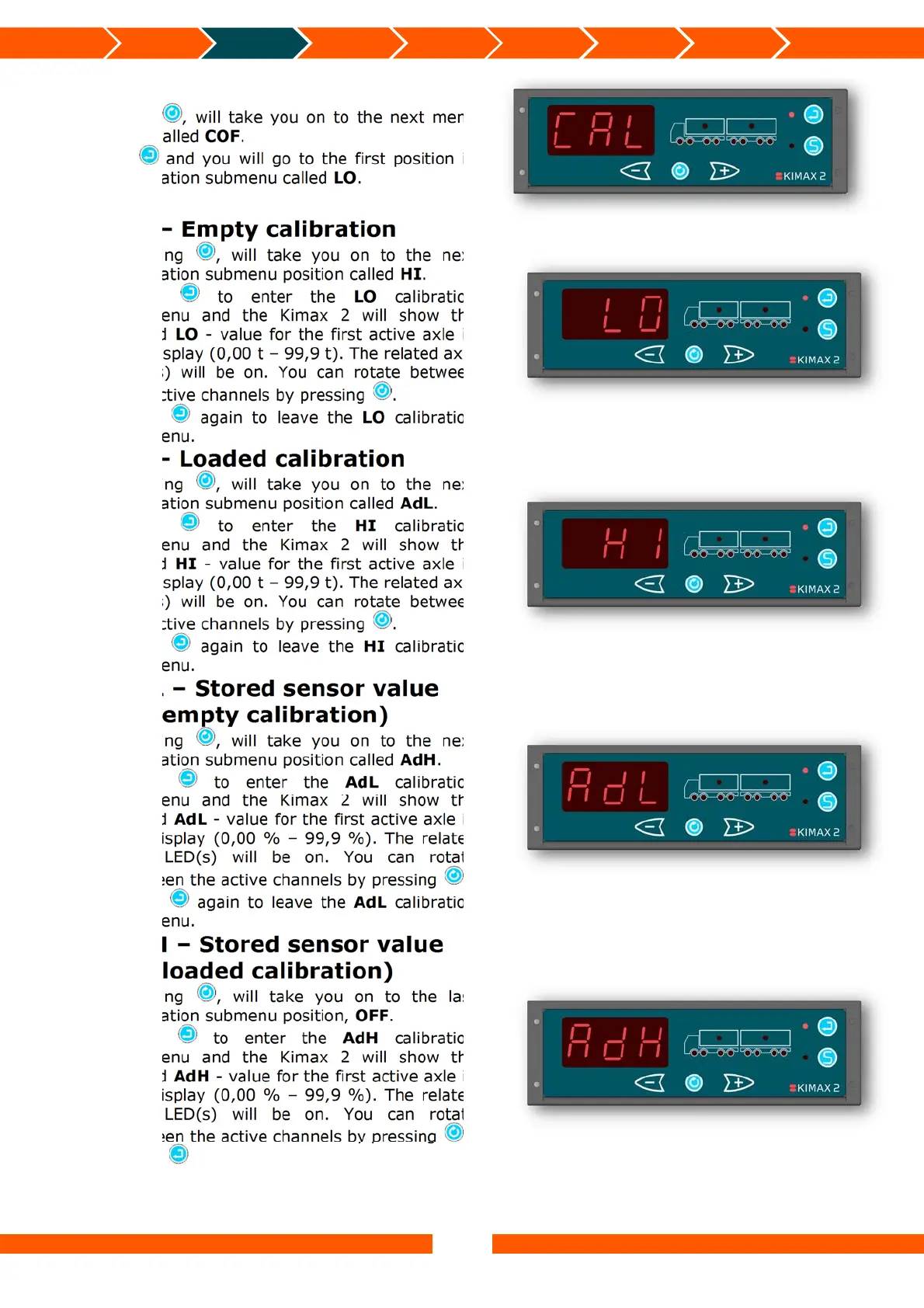
CAL – Calibration
Pressing , will take you on to the next menu
position called COF.
Press and you will go to the first position in
the calibration submenu called LO.
LO – Empty calibration
Pressing , will take you on to the next
calibration submenu position called HI.
Press to enter the LO calibration
submenu and the Kimax 2 will show the
stored LO - value for the first active axle in
the display (0,00 t – 99,9 t). The related axle
LED(s) will be on. You can rotate between
the active channels by pressing .
Press again to leave the LO calibration
submenu.
HI – Loaded calibration
Pressing , will take you on to the next
calibration submenu position called AdL.
Press to enter the HI calibration
submenu and the Kimax 2 will show the
stored HI - value for the first active axle in
the display (0,00 t – 99,9 t). The related axle
LED(s) will be on. You can rotate between
the active channels by pressing .
Press again to leave the HI calibration
submenu.
AdL – Stored sensor value
(at empty calibration)
Pressing , will take you on to the next
calibration submenu position called AdH.
Press to enter the AdL calibration
submenu and the Kimax 2 will show the
stored AdL - value for the first active axle in
the display (0,00 % – 99,9 %). The related
axle LED(s) will be on. You can rotate
between the active channels by pressing .
Press again to leave the AdL calibration
submenu.
AdH – Stored sensor value
(at loaded calibration)
Pressing , will take you on to the last
calibration submenu position, OFF.
Press to enter the AdH calibration
submenu and the Kimax 2 will show the
stored AdH - value for the first active axle in
the display (0,00 % – 99,9 %). The related
axle LED(s) will be on. You can rotate
between the active channels by pressing .
Press again to leave the AdH calibration
submenu.


 To Next Page
 Loading...