13
Introduction
Daily use
KIMAX2
Menu
Configuration
Calibration
Protecting
calibration
Electrical
installation
Sensor
installation
Additional
information
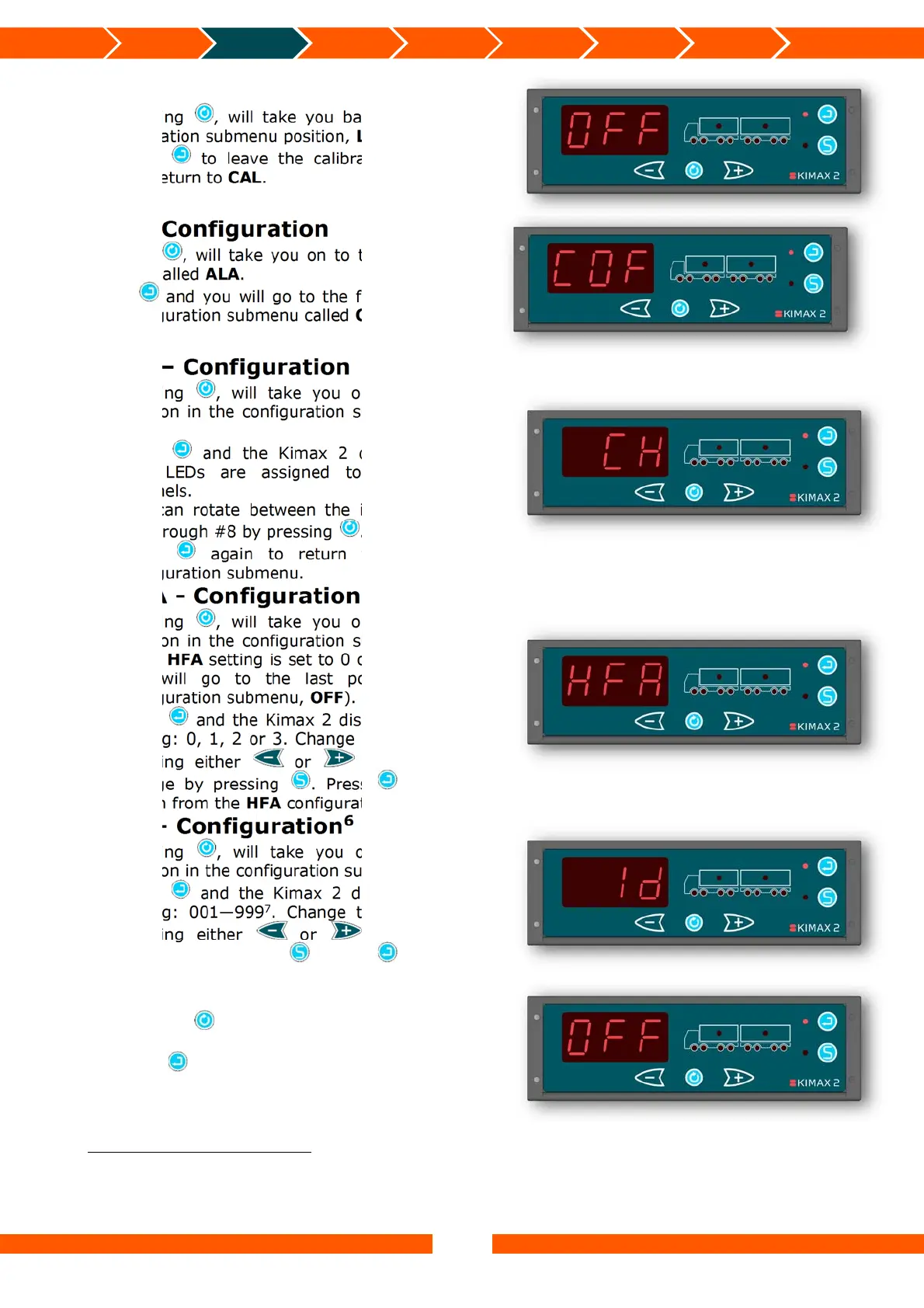
OFF
Pressing , will take you back to the first
calibration submenu position, LO.
Press to leave the calibration submenu
and return to CAL.
COF - Configuration
Pressing , will take you on to the next menu
position called ALA.
Press and you will go to the first position in
the configuration submenu called CH.
CH – Configuration
Pressing , will take you on to the next
position in the configuration submenu called
HFA.
Press and the Kimax 2 displays which
axle LEDs are assigned to which input
channels.
You can rotate between the input channels
#1 through #8 by pressing .
Press again to return from the CH
configuration submenu.
HFA - Configuration
Pressing , will take you on to the next
position in the configuration submenu called
Id (if HFA setting is set to 0 or 1, otherwise
you will go to the last position in the
configuration submenu, OFF).
Press and the Kimax 2 displays the HFA
setting: 0, 1, 2 or 3. Change this setting by
pressing either or and save the
change by pressing . Press again to
return from the HFA configuration submenu.
Id – Configuration
6
Pressing , will take you on to the last
position in the configuration submenu, OFF.
Press and the Kimax 2 displays the Id
setting: 001—999
7
. Change this setting by
pressing either or and save the
change by pressing . Press again to
return from the Id configuration submenu.
OFF
Pressing , will take you back to the first
configuration submenu position, CH.
Press to leave the submenu and return to
COF.
6
Id menu is only visible if HFA is set to either 0 or 1. (Master instrument)
7
If the Kimax 2 Radio has a transmitter, make sure the Id setting on the Kimax 2 Radio and Kimax 2 Wireless
terminal are similar. If the Kimax 2 Radio doesn’t have a transmitter, the Id setting has no function. The Id setting will
however be present on a print out from a connected printer.


 To Next Page
 Loading...