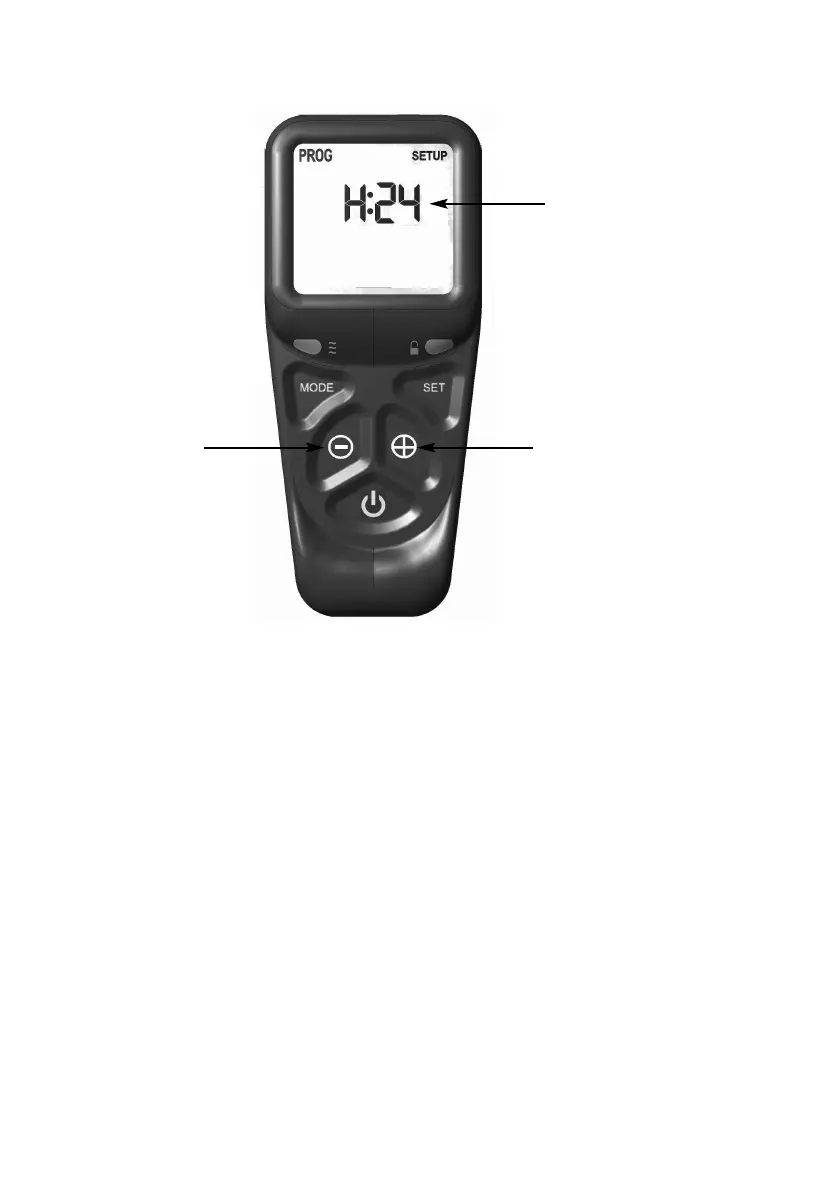
Fig. 21
3.7.4 When the 24hr or 12hr time display option has been chosen and you
are ready to confirm the setting you want press the SET button on the
handset to progress to setting the day of the week as shown overpage
in figure 22.
3.7.5 Press and release the + and - buttons on the handset until the correct
day of the week is shown on the handset display
Mo = Monday
Tu = Tuesday
We = Wednesday
Th = Thursday
Fr = Friday
Sa = Saturday
Su = Sunday
3.7.6 Press SET to accept the day of the week and progress to setting the
hour of the day.
23
24hr or 12 hr display, press
the + or - buttons as shown
t
o toggle between these two
s
ettings
+ button
- button



 To Next Page