EasyManua.ls Logo

King Quest PRO VQ4800 - User Manual

King Quest PRO VQ4800
20 pages
Print Icon
To Next Page IconTo Next Page
Loading...
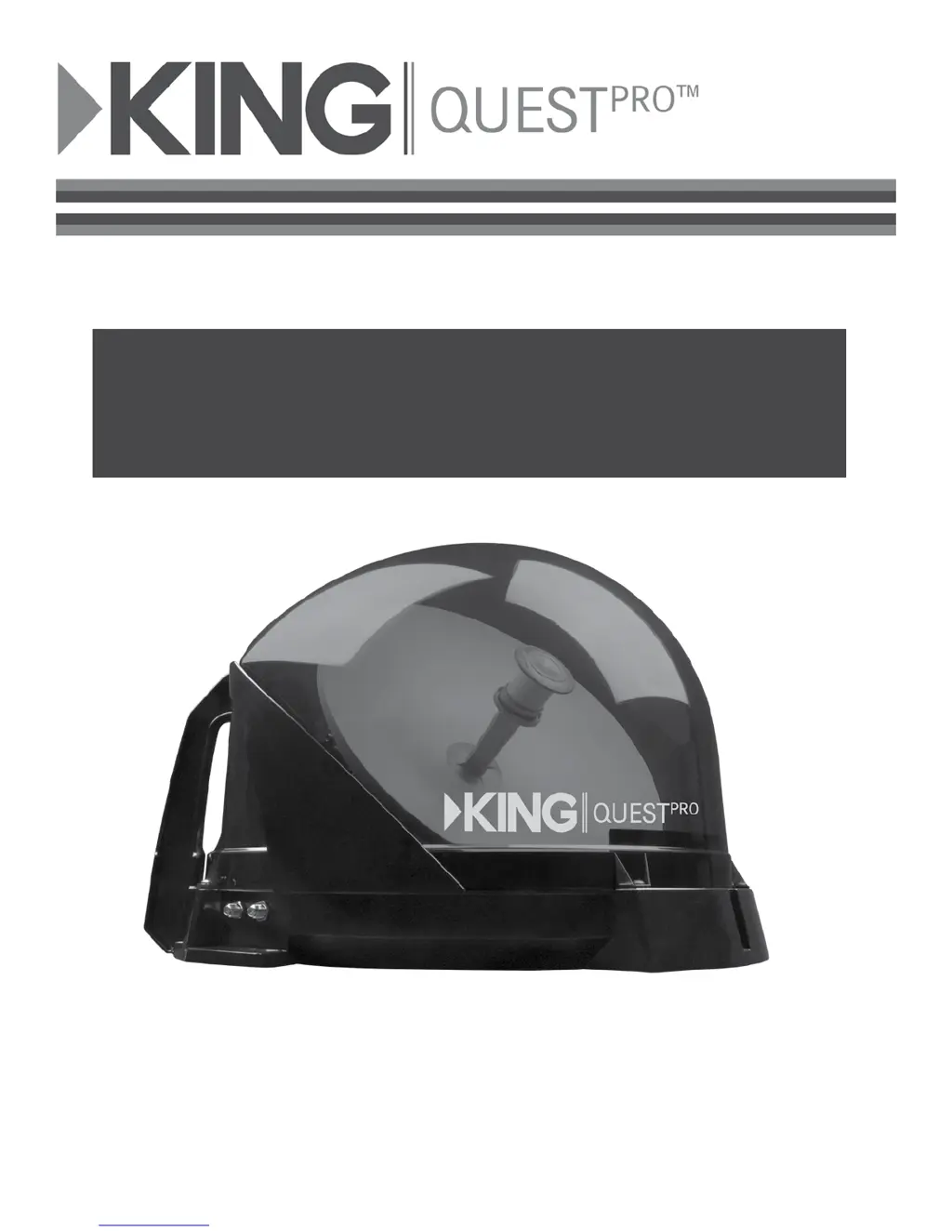
VQ4800 Owners Manual
For DIRECTV
®
This manual contains detailed information on your KING Quest Pro.
To start using your KING Quest Pro right away,
see the Quick Reference Guide.

Questions and Answers

  • S
    Sarah WallJul 28, 2025
    What to do if King Quest PRO VQ4800 Antenna unit scans but does not find satellite?
    • L
      Lisa WatsonJul 28, 2025
      If your King Quest Antenna unit scans but doesn't find a satellite, it might be due to a line of sight obstruction. Ensure the antenna unit has a clear view of the southern sky. You may also press the RESET button on the power inserter to initiate a new scan.
  • D
    Derrick BakerAug 3, 2025
    Why King Quest Antenna unit scans but no picture on TV?
    • H
      Heather PatelAug 3, 2025
      If your King Quest antenna unit scans, but you're not getting a picture on your TV, the issue might be improper connections. Check that the antenna unit is correctly connected to the power inserter, and that the power inserter is plugged in. Also, verify that the powered receiver is connected to both the power inserter and the TV.
  • D
    Douglas WillisAug 11, 2025
    How to fix King Quest picture on TV that goes in and out?
    • D
      dwaynesheltonAug 12, 2025
      If the picture on your TV is cutting in and out while using King Quest, it could be due to a temporary signal obstruction. Heavy rain or snow can cause signal loss; the reception should improve as the weather clears. Also, make sure there's nothing temporarily blocking the view to the southern sky, such as tree branches moving in the wind.
  • S
    Sharon AllisonAug 19, 2025
    How to fix King Quest PRO VQ4800 Antenna unit that does not scan for satellites?
    • L
      Linda PerkinsAug 19, 2025
      If your King Quest antenna unit isn't scanning for satellites, it could be due to a couple of reasons: - First, ensure the antenna unit is properly connected to the power inserter and that the power inserter is receiving power (the LED should be lit). - Second, the antenna unit may need a reset. Try pressing the RESET button on the power inserter.

Summary

Product Registration

Introduction

Legacy Receivers

Lists compatible DIRECTV legacy receivers (D10-D12, H20-H24, HR20-HR24).

SWM-Only Receivers

Explains compatibility with SWM-only receivers like H25 and higher, requiring additional SWM hardware.

Box Contents

Lists and shows components included in the KING Quest Pro box, such as antenna unit, cables, power inserter, and manual.

Apply Rubber Feet to Antenna Unit

Set Up TV and Receiver

Operation

Using a Second Receiver

SWM-Only Receiver Connections

Roof Installation

Antenna Unit Location

Criteria for selecting the roof location, considering distance, space, vehicle centerline, and avoiding obstructions.

Troubleshooting

Security Feature

Accessories

TR1000 Tripod Mount

Allows positioning the KING Quest Pro for optimal satellite line of sight, keeping it off the ground and away from moisture.

CB1000 Carry Bag

Protective bag for KING Quest Pro, featuring zippered cover, foam padding, carry handles, and pockets for accessories.

Maintenance and Safety Information

Limited Warranty

King Quest PRO VQ4800 Specifications

General IconGeneral
BrandKing Quest
ModelPRO VQ4800
CategoryAntenna
LanguageEnglish

Related product manuals