When visitor call, monitor will take an video automatically , and save in SD
card. Max allow 32G SD card .
Picture Memory Function
In calling mode, Pictures are taken & stored automatically in monitor
image memory.
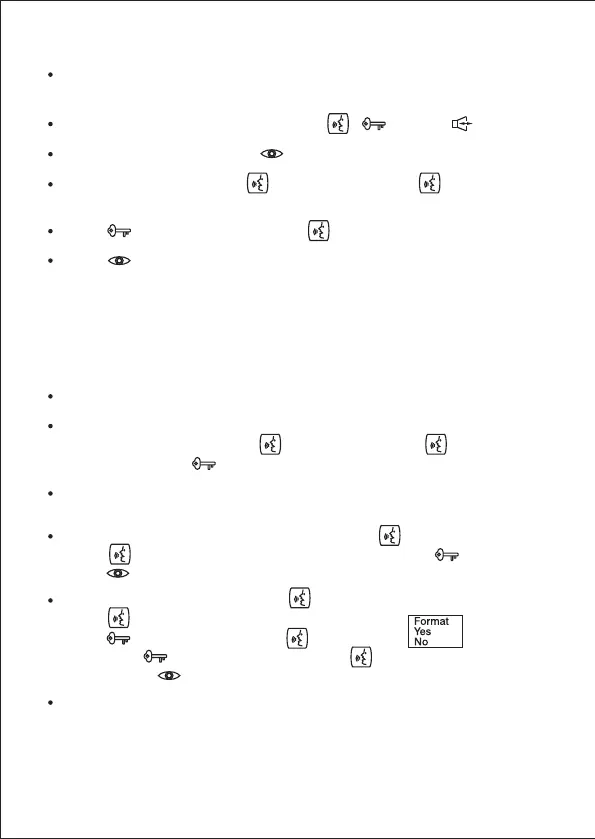
To check image: In standby mode press ( page up, page down)
To delete single image: Press & confirm
To delete all images: Press for 3 seconds. Press multiple
times to select"Delete All"
Press to select "Photo"& Press delete all photos.
Press to Exit.
Video Recording & check function
SD card is required to store videos
To record Video: In call from door camera status or manual door
camera monitor status, press for 3 seconds. Press to select
"Video" then press to start recording.
To play recorded Video: In standby mode, press for 3 seconds.
Press multiple times & select"Play", and then press to play.
Press to exit.
Delete all videos or photos: Press for 3 seconds.
Press multiple times to select"Delete All"
Press , Select Video & press , It will display
Then press , Select"yes"& then press to delete all saves
videos. Press to Exit.
SD card can be used in PC/Laptops for watching video or deleting
videos.
-9-



 To Next Page