1.Power off, press and keep holding, switch on the power.After 3 seconds,
heard DiDiDi...release * button.
2.Enter 4 digits as new programming password, a long Di sound, means success.
(2-6 digits allowed),the length same as original code)
3.Press * to exit.
*
Enter programming mode
1.Press (a Di sound ), enter 4 digits programming password(2-6 digits allowed,
default programming code is 1234). After a long Di sound, it says enter the
programming mode.
2. It’ll exit the programming mode within 30 seconds without any operations
(DiDiDiDi sound means exit).
*
3.Press * to exit.
Factory default unlock delay is 1 second.
2.Press 00, a long Di sound , enter 2 digits(from 01-99)as unlock time. After a
long Di sound , it says set success.
3.Press * to exit.
1.Enter programming mode (*1234), a long Di sound.
1.Enter programming mode (*1234), a long Di sound.
means set success.
3.Press * to exit.
(Attention: after change length of password, all passwords were cleared out.
e.g. length of password set as 3, then programming password will be 123.)
2.Press 99, a long Di sound, then enter digits from 2-6 , a long Di sound again
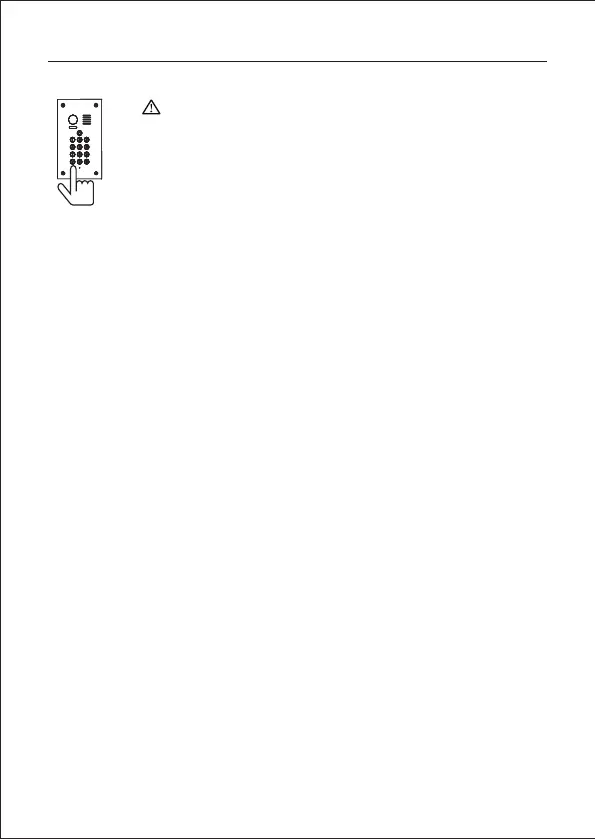
Operations for keypad door station
Modify the programming password
Setting the length of password
Set unlocking time delay
Attention
1.The default program password is 1234.
2.Each keypad door station allow 40 groups use passwords to
unlock door.
3.The password to enter programming mode, we call it
programming password.The password to open the door, we call
it user password.
-10-



 To Next Page
 Loading...