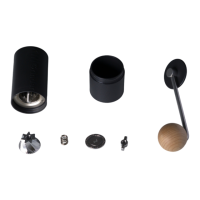
KINGrinder Manual
Exterior Adjustment of K4 and K6 Hand Coffee Grinder
How to operate the grinder?
1. Rotate the adjustment nut for the desired grind setting.
2. Take out the handle and PC lid, load 30~35g of coffee beans into it.
3. Put on the handle and PC lid then spin the handle clockwise till it has done.
How to install the PC lid? (There are method A and method B)
A. Default setting: the PC lid and
handle are separate-able for
grinding (drill-grinding is
applicable).
B. Attach the PC lid and handle:
Take out the Black O-ring -
Place the White O-ring into the
groove.
How to adjust the grind setting?
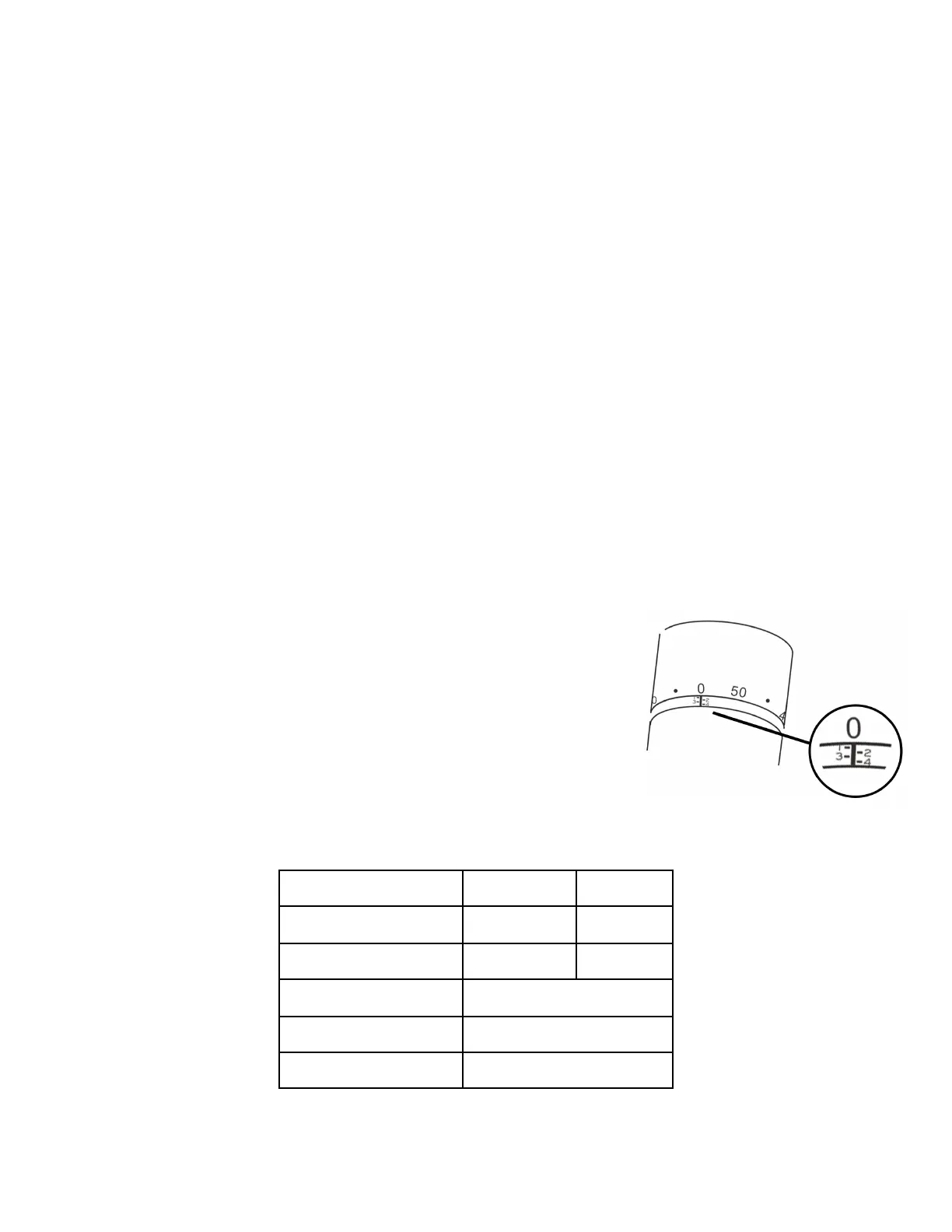
1. Gently rotate the adjustment nut clockwise to zero.
The corresponding number is zero and the number
on the adjustment nut may not be the same as the
number of clicks from the grind setting.
2. Rotate the adjustment nut anti-clockwise from zero to your grind size.
3. Rotate the adjustment nut anti-clockwise for a coarser grind and vice versa.

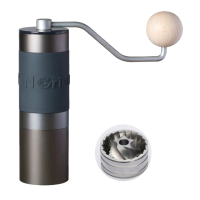

 To Next Page