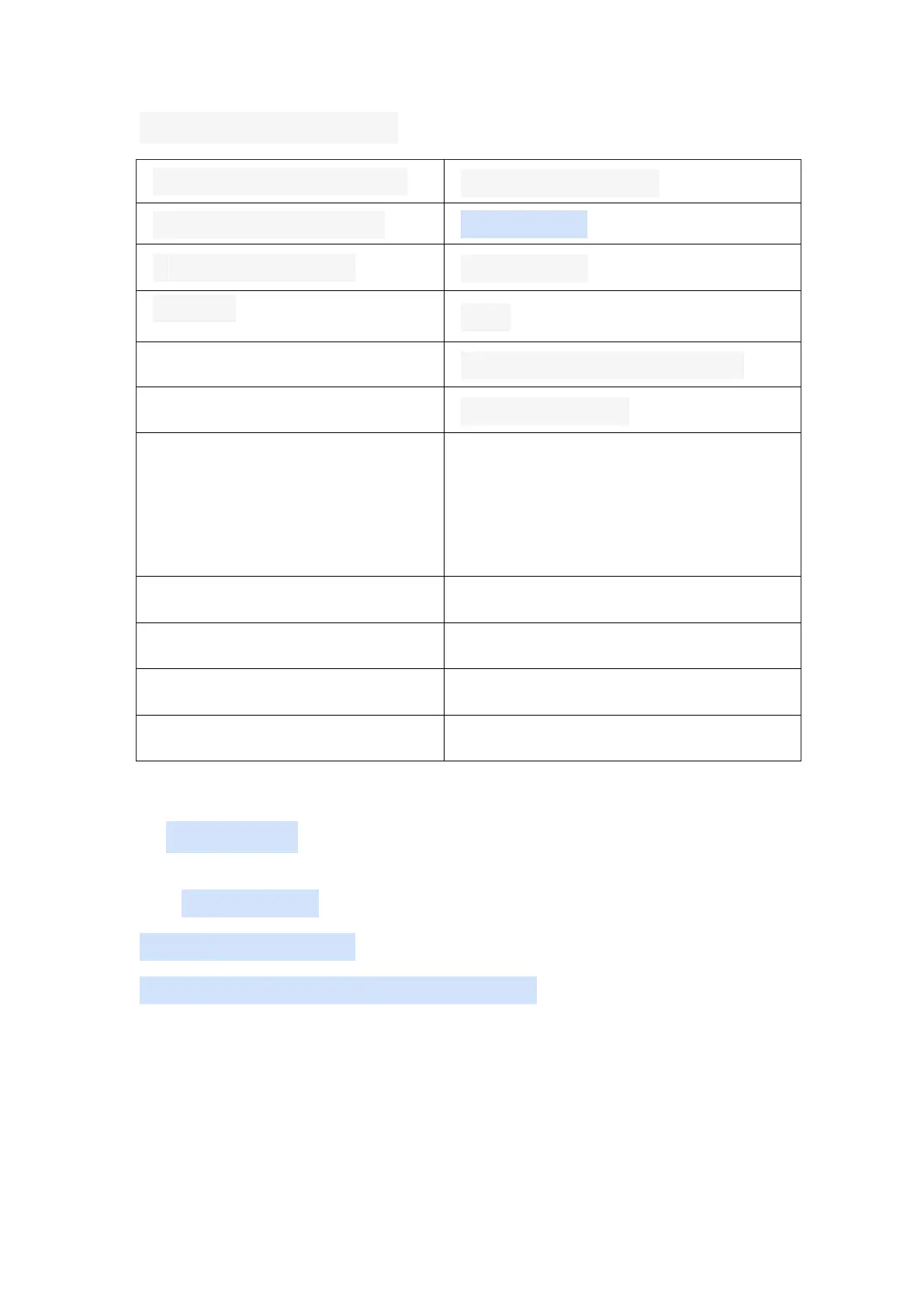
7. Common hotkey settings
Left/right cross keys and joystick
B key (right side function key)
A key (lower function key)
Soft restart or soft shutdown setting
Select + Start(press twice)
Quite Game
( Quite game's hotkeys are available
throughout the system, but most of the
other hotkeys only work when using the
retroarch core.)
Menu Toggle Controller Combo
8. More Settings
(1)Language Setting
System Settings-Language
START---->>SYSTEM SETTINGS---->>LANGUAGE



 To Next Page