5. Control
Power Up
The power inlet IEC of the EX-M1+ is located at the rear panel. After the power is supplied to the
amplifier, it will be in Standby state.
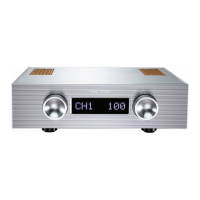
Press the Power Button located at the middle of the front panel once. The display indicator light
flashes signify a Start Up sequence. The input signal source (CH1-4) and volume display appear
once the amplifier is started in Operational state.
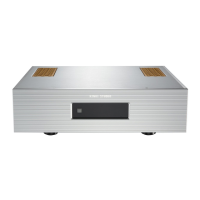
Under normal working conditions, press and hold the Power Button on the front panel for five
seconds, then release it, the amplifier will go into Standby state. The indicator in the lower right
corner lights up.
Note: Whenever you turn it on, the volume will be automatically set to 10 position to avoid
damage to the speaker caused by excessive volume.
KINKI STUDIO
04



 To Next Page