Page 10
8. Error and status messages
Error messages are shown in alternation with the current temperature. If several errors have occurred, they are
displayed one after another. If there is no audible alarm, the error or status message is only an indication that there
has been an error.
Error refrigeration room sensor R1,
Short-circuit
Inspect sensor R1.
Inform customer services immediately
Error refrigeration room sensor R1,
Interuption
Inspect sensor R1.
Inform customer services immediately
Error refrigeration room sensor R2,
Short-circuit
Inspect sensor R2.
Inform customer services immediately
Error refrigeration room sensor R1,
Interuption
Inspect sensor R2.
Inform customer services immediately
Displayed temp. is flashing
Refrigeration room temperature is
beyond warning limits
Check temperature warning limits
Follow up if status normalizes itself after short
time. If this is not the case, there is a technical
defect. Inform customer services immediately
Check temperature settings
Inform customer services immediately.
Replace battery and insprct connection
Inform customer services immediately
Parameter have been changed
Alarm switches OFF automatically
Inform customer services immediately
Inform customer services immediately
If you cannot rectify an error state immediately, transfer the goods to be cooled into another cabinet, and decommission
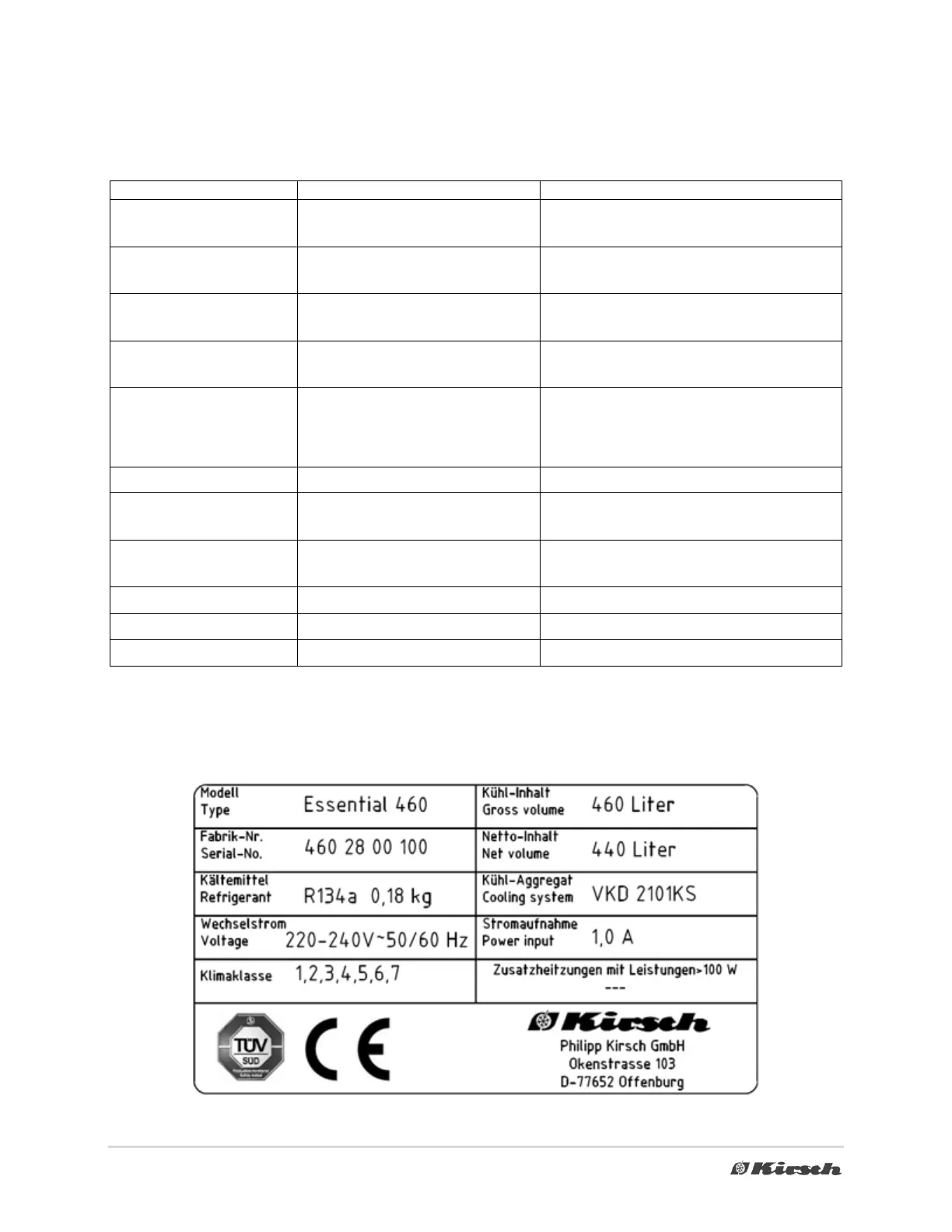
the device until a service technician inspects the problem. When you contact customer services, state the device's serial
number. You can find this on the type plate on the top right-hand side of the interior (see type plate example).



 To Next Page