10
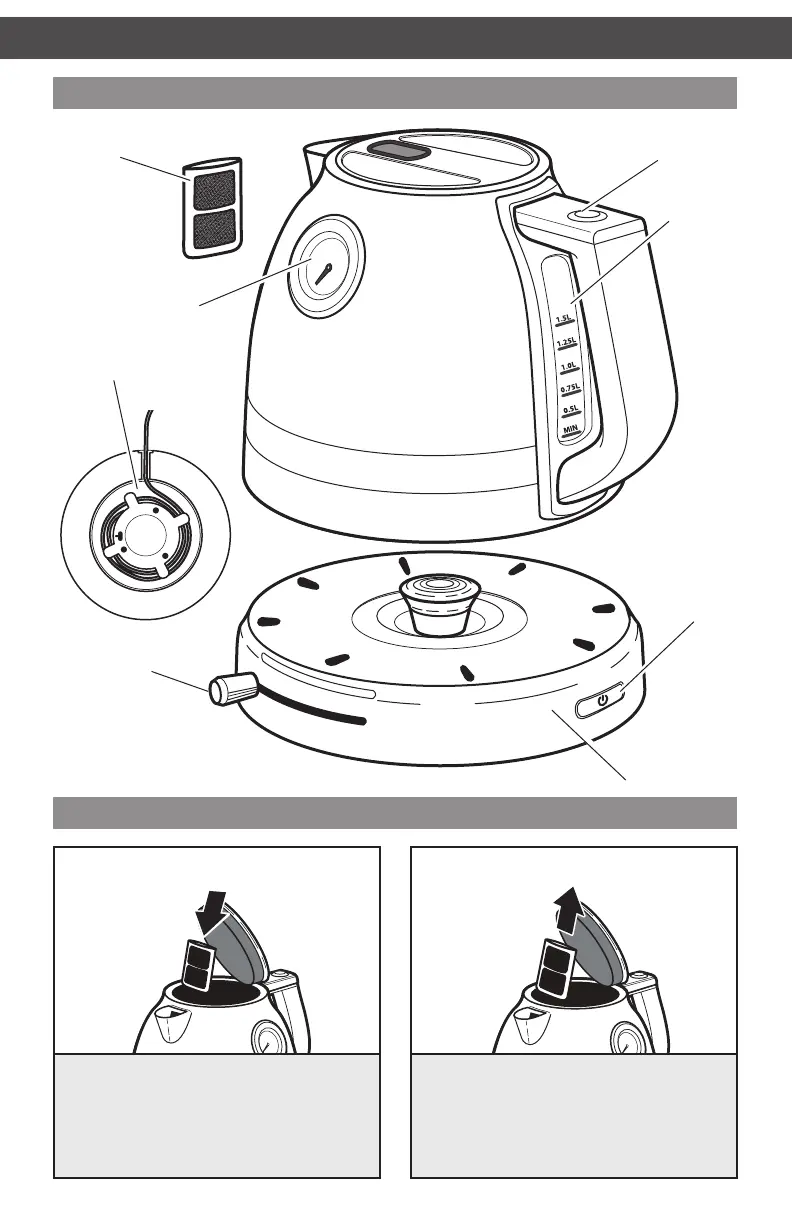
PARTS AND FEATURES
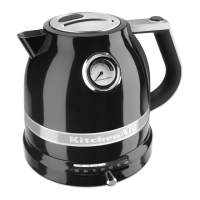
Lid release
button
Parts and accessories
Inserting and removing the lter
Inserting the filter: The filter is located
behind the spout inside the Water Kettle.
Open the lid. Slide the filter down into the
slot behind the spout, making sure that the
curve facing outward on the filter matches
to the curve of the kettle.
Removing the filter: Open the lid. Grasp
the top of the filter, behind the spout, and
pull out to remove.
Water level
gauge
Power
button
Temperature
selector knob
Cord wrap feature
(on bottom of base)
Removable
lter
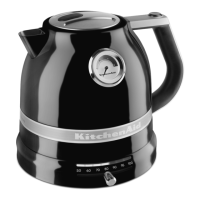
Temperature gauge
Base
USING THE WATER KETTLE
W10530534D_01_ENv07.indd 10 2/29/16 11:35 AM


 To Next Page
 Loading...