Preparing Your Coffee Maker for Use
To Set the Time-of-Day Clock
Electrical Shock Hazard
Plug into a grounded 3 prong
outlet.
Do not remove ground prong.
Do not use an adapter.
Do not use an extension cord.
Failure to follow these
instructions can result in
death, fire or electrical shock.
1. Plug power cord into a grounded
3 prong outlet.
2. When the Coffee Maker isfirst
plugged in or when power is
restored after an interruption, the
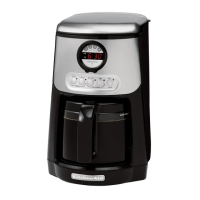
brew timer display will initially
show 12:00 am.
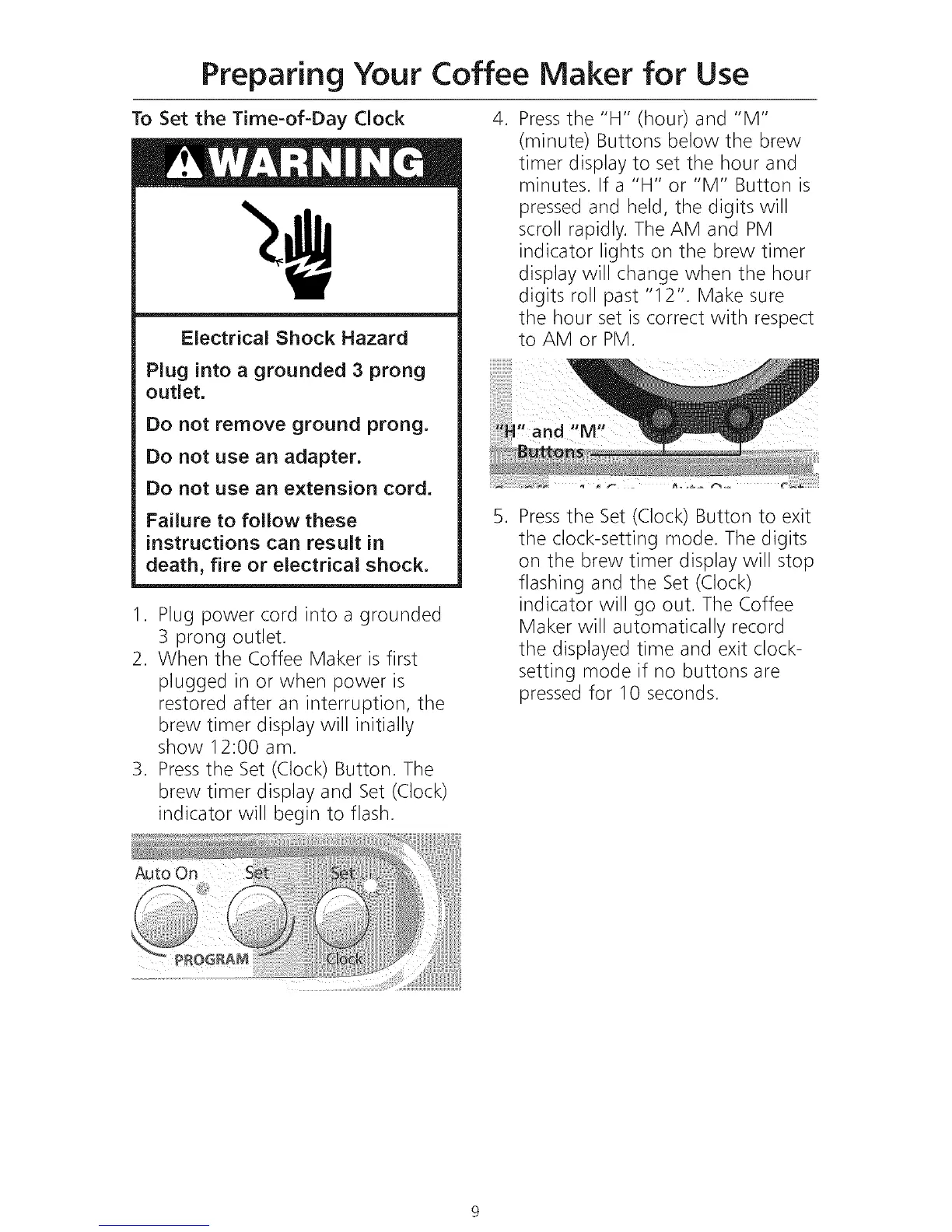
3. Pressthe Set (Clock) Button. The
brew timer display and Set (Clock)
indicator will begin to flash.
.
.
Pressthe "H" (hour) and "M"
(minute) Buttons below the brew
timer display to set the hour and
minutes. If a "H" or "M" Button is
pressed and held, the digits will
scroll rapidly. The AM and PM
indicator lights on the brew timer
display will change when the hour
digits roll past "12". Make sure
the hour set is correct with respect
to AM or PM.
Pressthe Set (Clock) Button to exit
the clock-setting mode. The digits
on the brew timer display will stop
flashing and the Set (Clock)
indicator will go out. The Coffee
Maker will automatically record
the displayed time and exit clock-
setting mode if no buttons are
pressed for 10 seconds.









 To Next Page