4-20
REMOVING THE CONDENSER FAN MOTOR
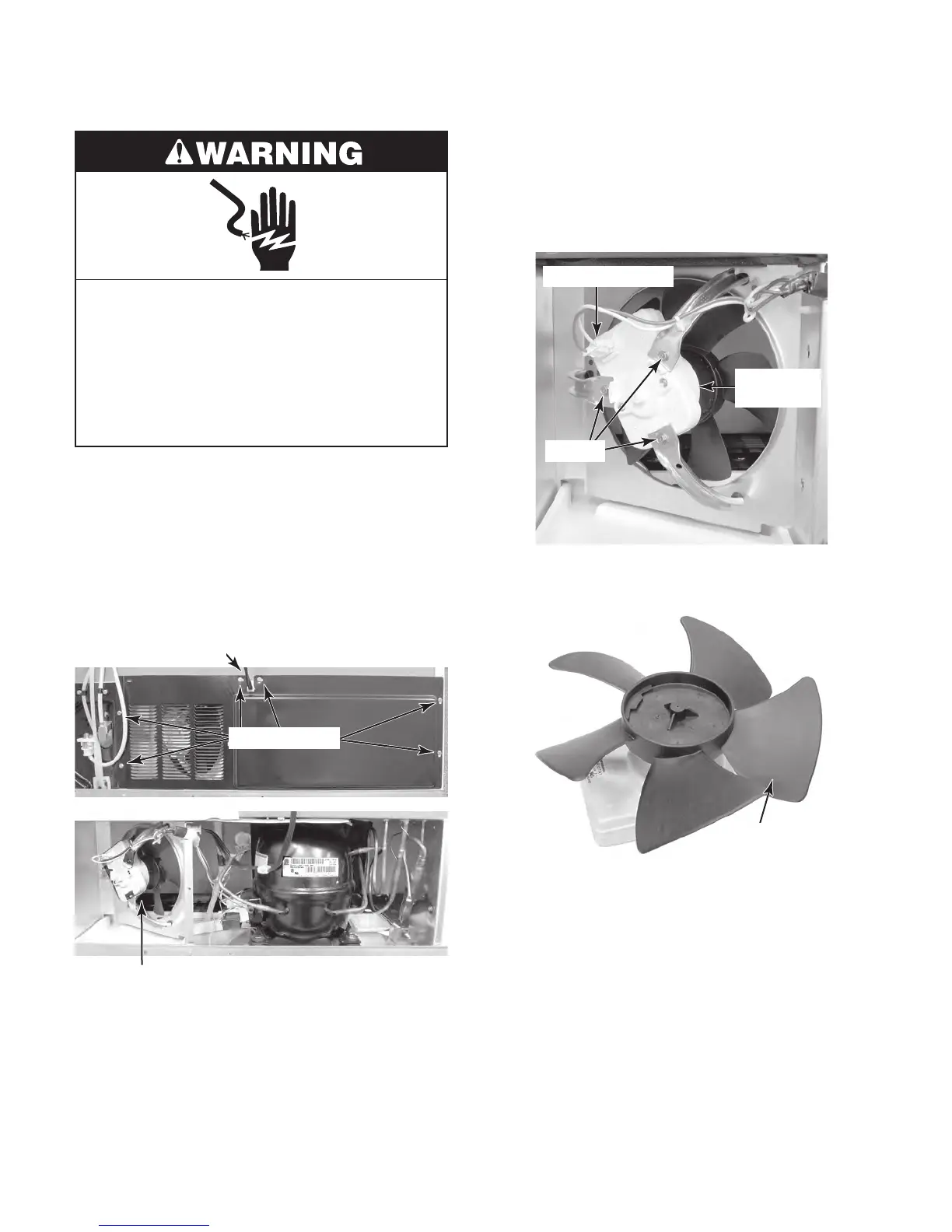
Electrical Shock Hazard
Disconnect power before servicing.
Replace all parts and panels before
operating.
Failure to do so can result in death or
electrical shock.
1. Unplug refrigerator or disconnect power.
2. Pull the refrigerator away from the wall so
that you can access the rear of the unit.
3. Remove the six hex-head screws from
the unit compartment cover. Remove the
cover and slide the power supply cord
strain relief out of the slot in the cover.
Condenser Fan Motor
Cover Screws
Power Supply Cord
4. Disconnect the power connector from the
condenser fan motor.
5. Remove the three hex-head screws from
the condenser fan motor and remove the
motor.
Condenser
Fan Motor
Power Connector
Screws
6. Pull the fan blade off the condenser fan
motor shaft.
Fan Blade



 To Next Page