7
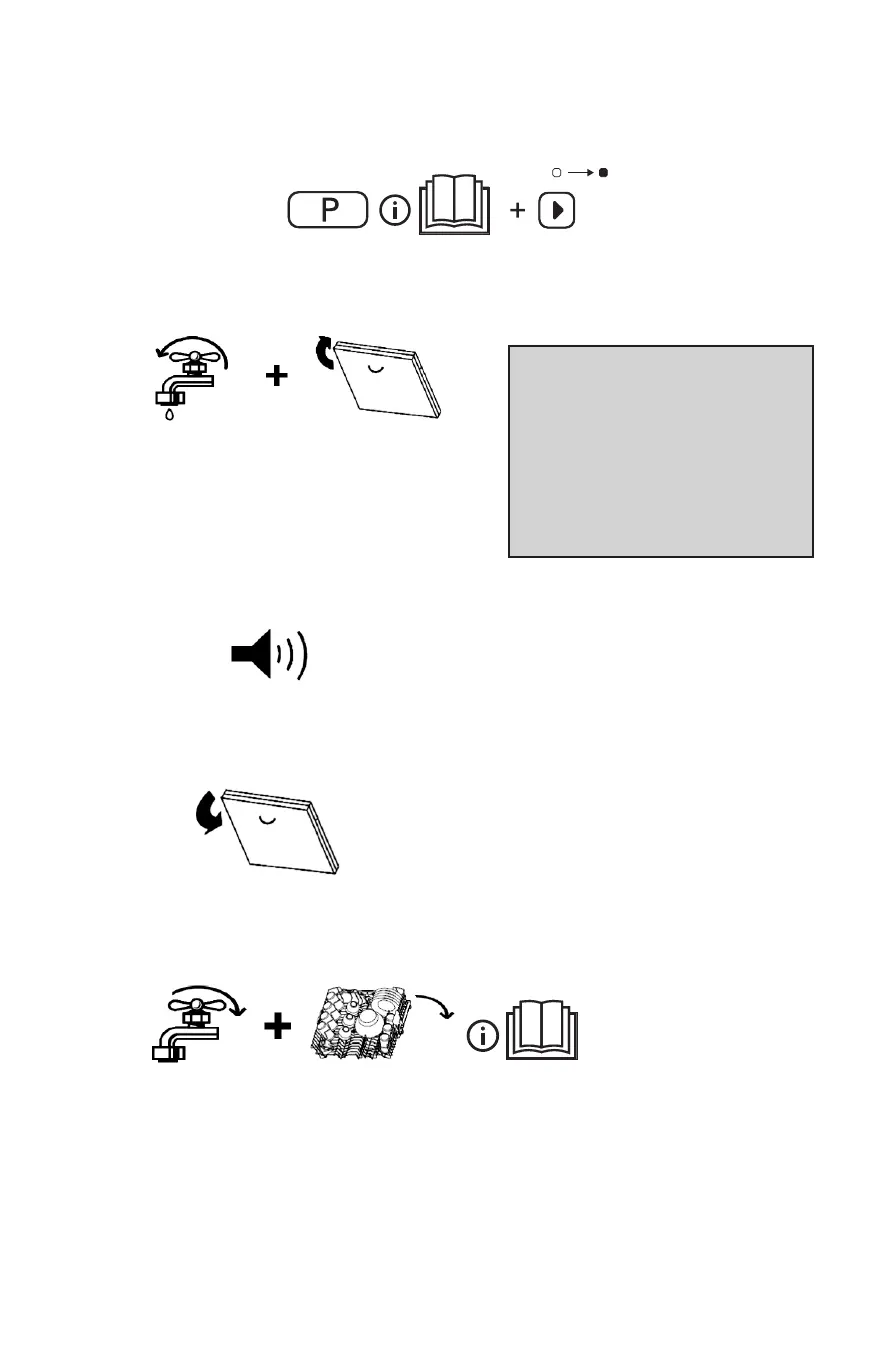
8. Select a programme, and start
9. Turn on the water tap, close the door
Wash cycle
Fill dishes: beware of hot steam! The Start
indicator blinks, press the Start button again,
the programme resumes from where it had
stopped (as happens after a power shortage
as well).
10. End of programme
11. Open the door
12. Turn off the water tap, unload the racks
5
Change the programme in progress:
- Press the Cancel/Off button.
- Close the door.
- (Water drains for up to 60 seconds).
- Open the door.
- Select a new programme.
- Press the START button.
11




 To Next Page