8
ASSEMBLING THE PRODUCT
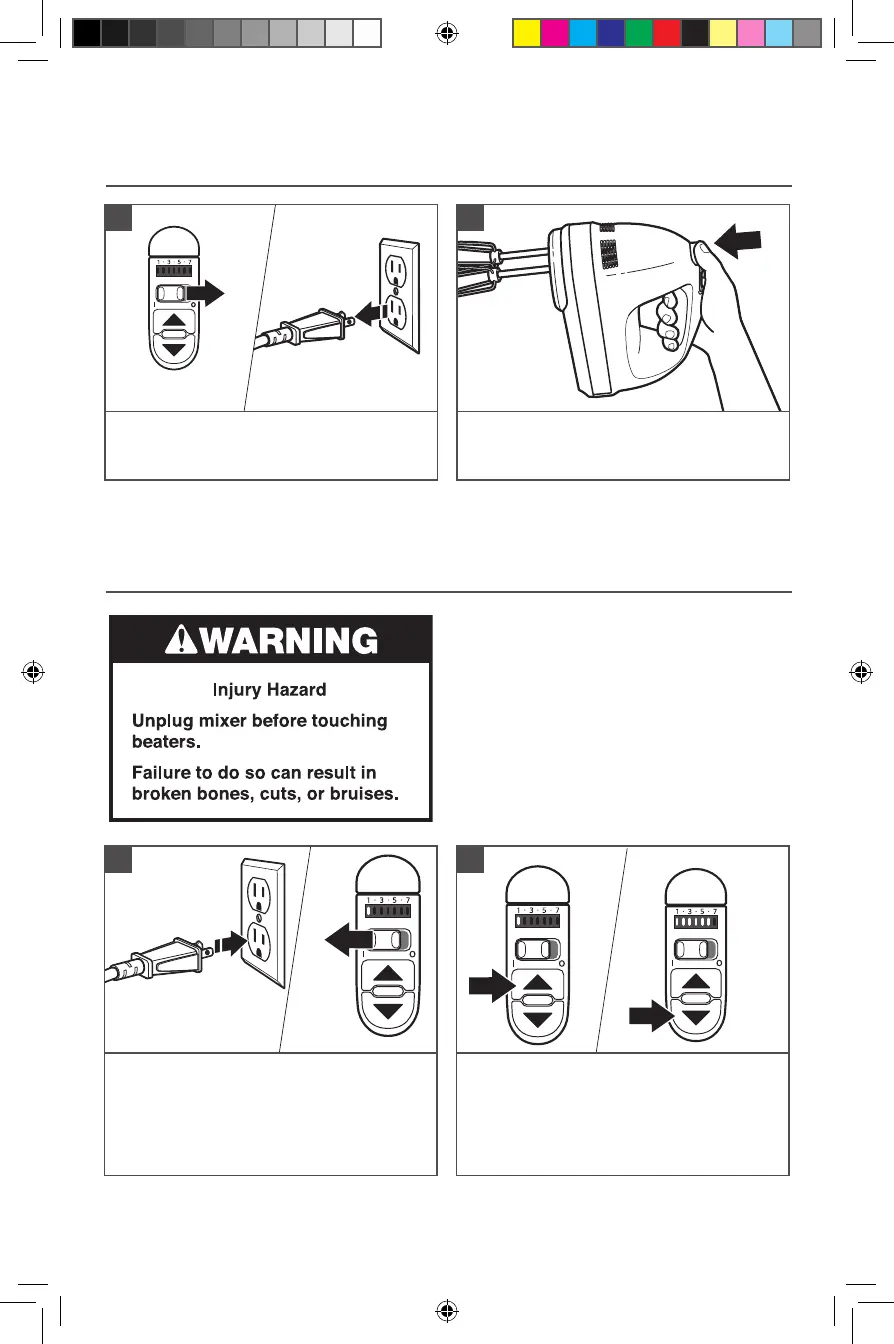
REMOVING THE ACCESSORIES
Slide the Power switch to the “O” (Off)
position. Then unplug the Hand Mixer
from an electrical outlet.
1
Press the ejector button to release the
accessories from the Hand Mixer, then
remove them.
2
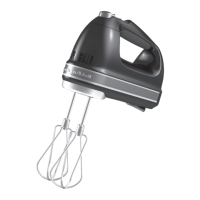
This KitchenAid
®
Hand Mixer will beat faster
and more thoroughly than most other electric
hand mixers. Therefore, the beating time in
most recipes must be adjusted to avoid over
beating. Beating time is faster due to larger
beater sizes.
To help determine the ideal beating time,
observe the batter or dough and beat only
until it has the desired appearance described
in your recipe, such as “smooth and creamy”.
To select the best beating speeds, use the
“Speed Control Guide” section.
OPERATING THE SPEED CONTROL
USING THE PRODUCT
Plug the Hand Mixer into an electrical
outlet. Slide the Power switch to the
“I” (ON) position. The motor will
automatically start at Speed 1, and the
“1” on the speed indicator control will
light up.
1
Touch the “UP (arrow)” button and the
“DOWN (arrow)” button to increase or
decrease the mixing speed. See the “Speed
control guide” for more information.
2
W11387887A.indb 8 8/9/2019 3:34:20 PM


 To Next Page