3.
Microcomputer Controller Operation Instruction:
4.
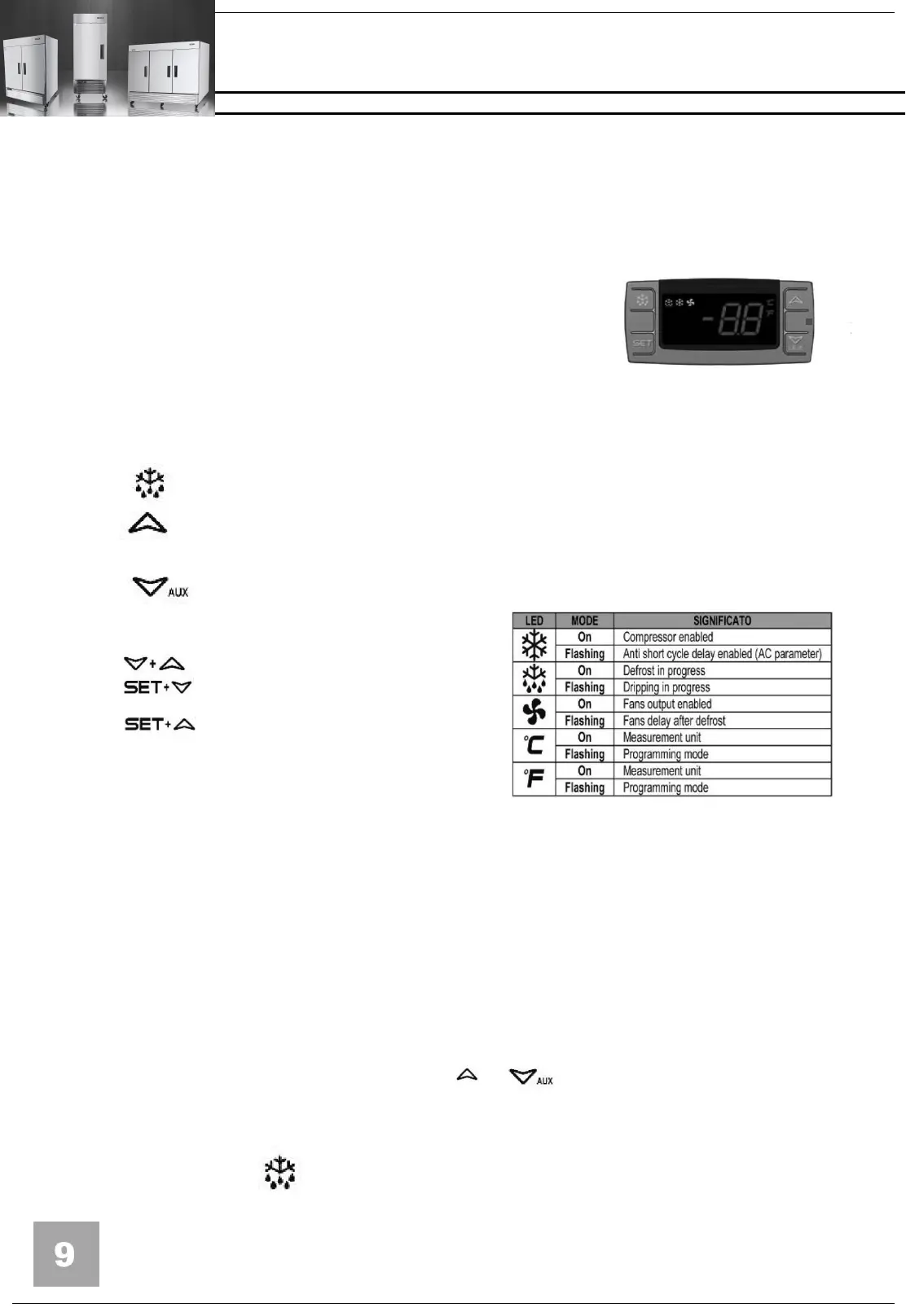
Microcomputer panel sketch map,
meanings of running indicator light
and LED showing.
5. SET
To display target set point, in
programming mode it selects a parameter
or confirm an operation.
To start a manual defrost 。
In programming mode it browses the parameter codes or
increases the displayed value.
In programming mode it browses the parameter codes or
decreases the displayed value .
To lock or unlock the keyboard
To enter in programming mode
return to room temperature
display.
Push and immediately release the SET key, the set point will be showed;
Push and immediately release the SET key or wait about 5s to return
to normal visualisation.
7.
How to change the setpoint .
Push the SET key for more than 2 seconds to change the Set point value;
The value of the set point will be displayed and the "°C" or "°F" LED starts
blinking;
To change the Set value push the or arrows.
To memorise the new set point value push the SET key again or wait 10s.
8.
How to start a manual defrost.
Push the DEF key for more than 2 seconds and a manual
defrost will start.


 To Next Page