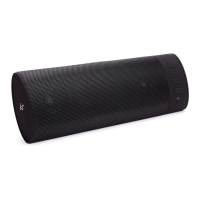
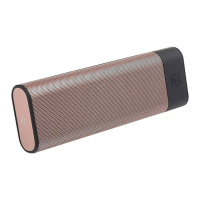
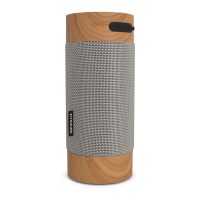
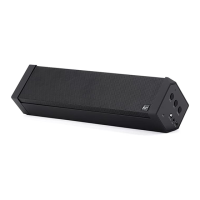
8 9
Getting started
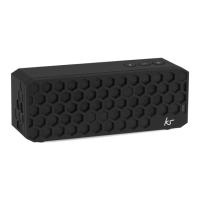
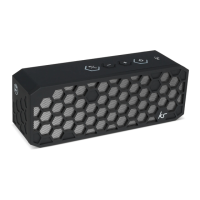
• To turn the Miami on, slide the On/O switch (8) to the ‘On’ position
• To turn the Miami o, slide the On/O switch (8) to the ‘O’ position
Please ensure the rubber feet are free from dirt to prevent the speaker moving/vibrating when
playing music. If the feet need cleaning, simply wipe them with a damp cloth.
Dierent modes
• When you rst turn the Miami on, it will automatically go into pairing mode and the LED
indicator (9) will be quickly ashing blue
• To change to FM, short press Mode (1) and to change to Aux, insert an aux cable into the
Aux input (6) and the Miami will automatically go into Aux mode regardless of what mode
you are currently using


 To Next Page