8 9
Troubleshooting
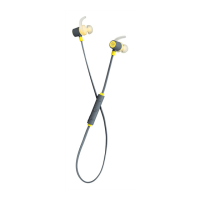
• If you cannot connect the earphones to your device, please try the following:
– Ensure that the earphones are charged, switched on, paired with and connected to your device
– Check the headphones are within 10 metres (30 feet) of your device and that there are no obstructions
(such as walls or other electronic devices) between the earphones and the device
– Only one device may be paired to these earphones at a time, so please ensure there are no conicting
wireless devices trying to connect to the earphones
• If the earphones will not switch o, you can reset them back to normal by putting them on charge
• If you receive an intermittent signal, please ensure the earphones are fully charged before continuing use
• If you do not use the earphones for longer than 3 minutes whilst not connected to a device, they will automatically
power o to conserve power
We hope you’ve now got all the information you need to get started, but if you’re having problems with anything,
please feel free to contact us at: support@kitsound.co.uk
Hereby, Kondor Ltd declares that the radio equipment type,
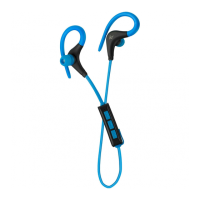
KSOUTR Outrun Wireless Earphones, is in compliance with Directive 2014/53/EU.
The full text of the EU declaration of conformity is available at the following
internet address: http://kondor.co.uk/product-documents


 To Next Page