6 7
Automatic station scan
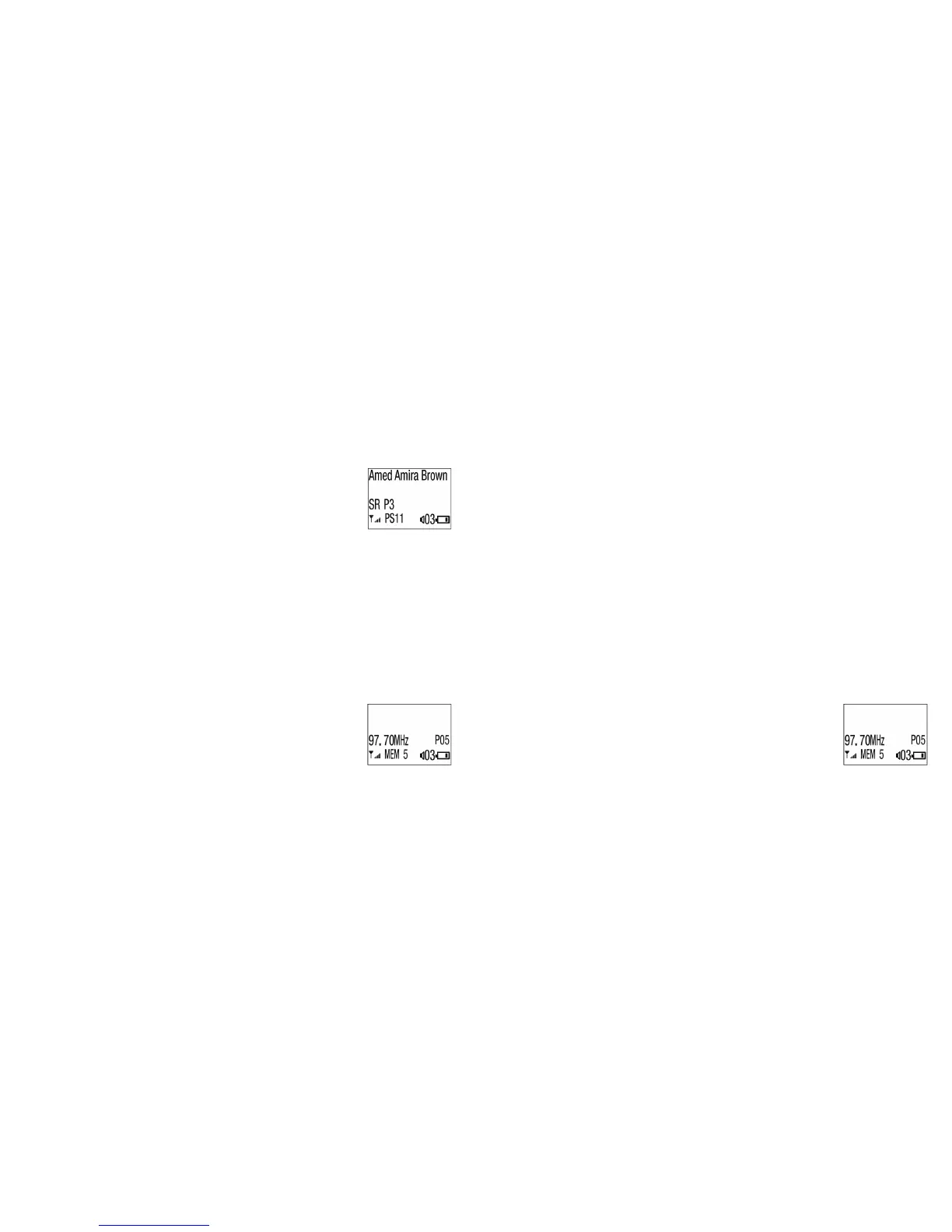
1. Short press the MFB (7) until both the frequency and preset
number is displayed like right
2. Long press Tune+ (5) or Tune– (6) to scan all available stations
3. Once the scan is complete the current station and preset will be
saved. For example, it might show PS 4 which means that 4 stations were found
4. Short press Tune+ (5) or Tune– (6) to choose between the stations which have
been found
5. To save a station, long press the MFB (7) for 2 seconds and a PS number will
appear on the LCD (11) depending on how many presets have been saved
Selecting a preset station
1. After saving stations, you can see how many there are and select one of them
2. Short press the MFB (7) until the frequency, preset number, and MEM are all
displayed like right
3. Short press Tune+ (5) or Tune– (6) to go through saved stations
Deleting preset stations
1. Short press the MFB (7) until the frequency, present number, and MEM are all
displayed like below
2. Long press the MFB (7) and On/O (1) at the same time to delete the selected station
DAB+ mode
1. Switch the radio on as explained in ‘Getting started’
2. Short press On/O (1) to change to DAB+ mode
3. Scan, save, and listen in the exact same way as for FM radio as explained before
Volume controls
1. Short press Volume+ (8) to increase volume in any mode
2. Short press Volume– (9) to decrease volume in any mode


 To Next Page