QA-MRK-FM-08-02 v1
Quick Start Guide
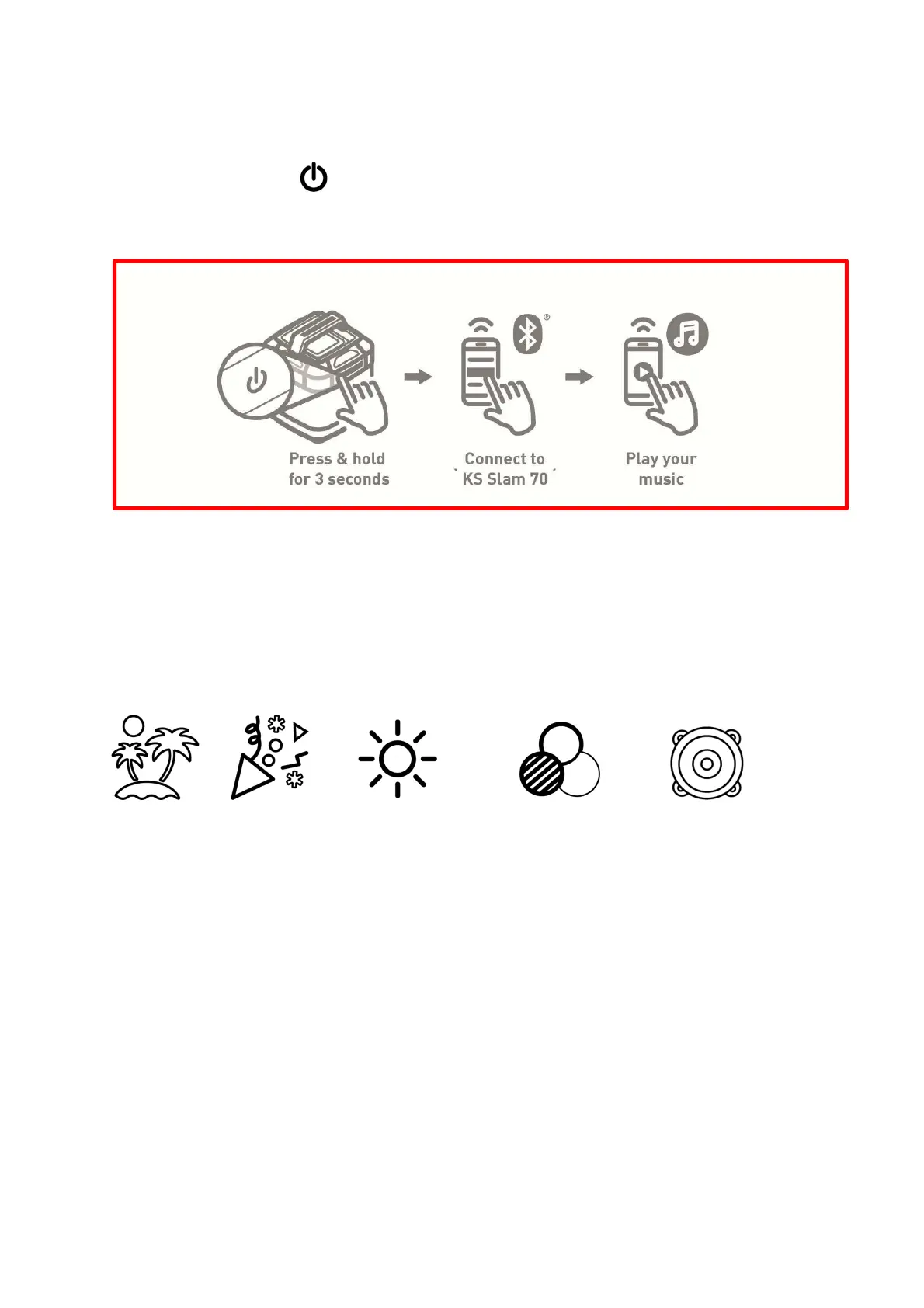
1. Power On by pressing Power button for 2 seconds.
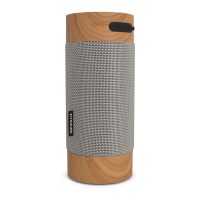
2. Turn on your device’s Bluetooth and connect to ‘KS Slam 70’.
Change to ‘Press & hold for 2 seconds’ ^
Change up the Lighting and Boost the Sound
1. Follow the Quick Start Guide instructions.
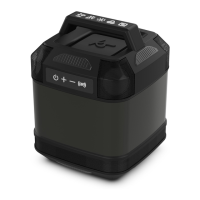
2. Use the buttons on the handle control panel to adjust lighting, add strobes and change up the
audio modes.
Chill Modes Party Mode Lighting / Strobes Colour Selection 360 Sound
Further information on connecting to the speaker, and instructions on how to use all of the product
features, can be found in the following pages of this manual.


 To Next Page