1 Power switch: To turn on/off the power supply.
2 The Delay button allows you to delay the start time of any cycle automatically up to 24 hours.
3 Program key-press: Press the key to scroll through the wash cycles. The corresponding program-
me light will be ON to indicate which WASH CYCLE has been selected
4 3-in-1-button: Press this button you can choose or cancel the „3 in 1“ function.
5 Start/Pause button: The appliance will start or pause the expected washing cycle
6 Child lock button: Press the two buttons for 3 seconds, the appliance could be locked and any
button can not be used.
7 Program indicator light When you select a washing programme, the corresponding light will dis-
play.
8 Salt re ll indicator: The indicator lights up when the softener needs to be re lled.
9 Rinse aid re ll indicator: The indicator lights up when dispenser needs to be re lled.
10 3-in1-indicator: The indicator lights up when the additional function be selected.
11 Child lock indicator The „Child Lock“ will be available when you press the Child lock buttons for 3
seconds, and the „Child lock“indicator lights up after ashing 6 times.
12 Washing light: To come on when the dishwasher is washing.
13 Drying light: To come on when the dishwasher is drying.
14 Digital display: To display the running time remain, malfunction codes and delay time.
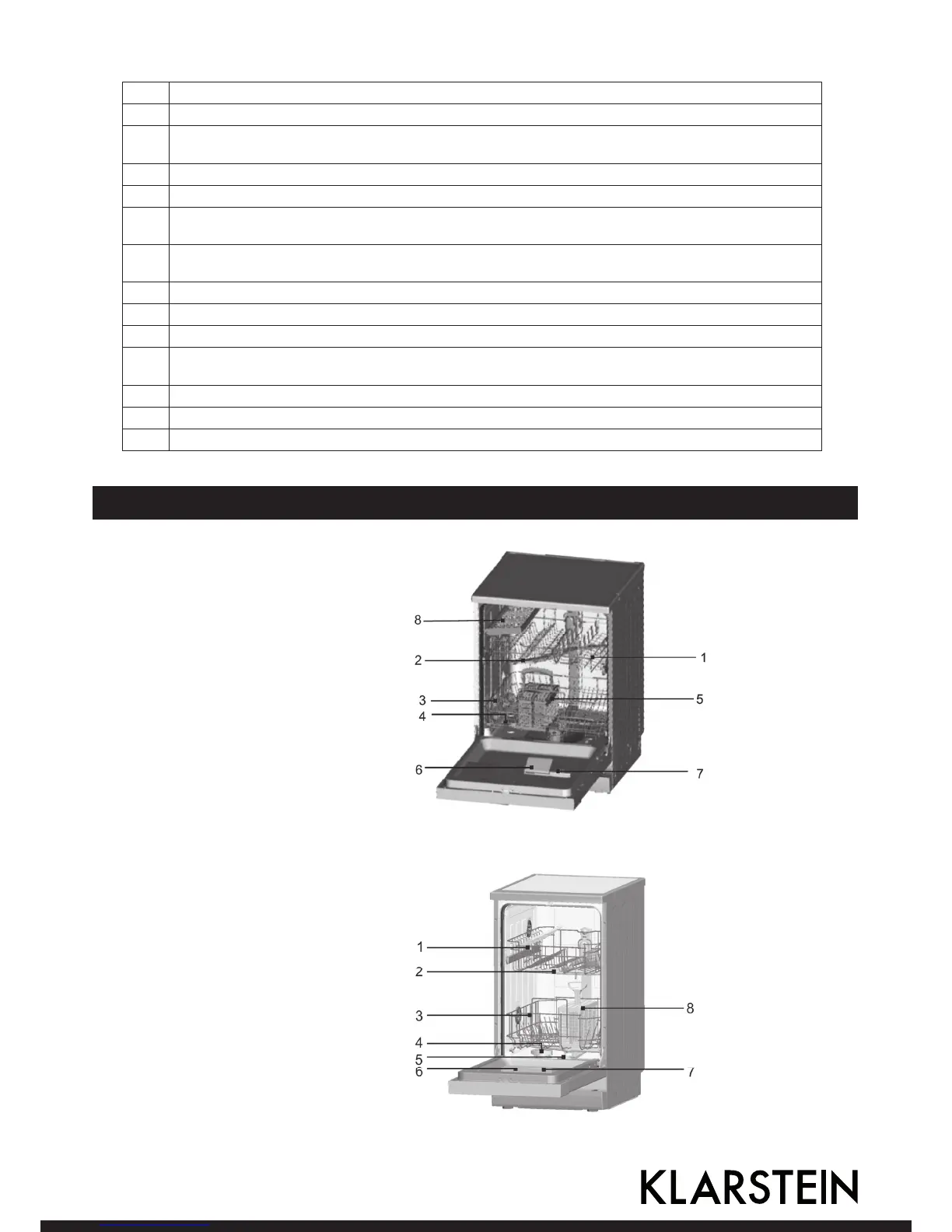
Product Description
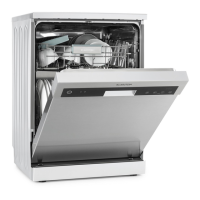
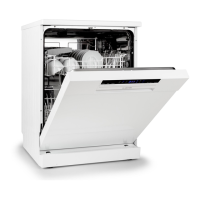
Item number 10027045 (60 cm)
1 Upper basket
2 Spray arms
3 Lower basket
4 Water softener
5 Cutlery basket
6 Datergent dispenser
7 Rinse aid dispenser
8 Fork shelf
Item number 10027046 (45 cm)
1 Upper basket
2 Spray arms
3 Lower basket
4 Water softener
5 Filter
6 Datergent dispenser
7 Rinse aid dispenser
8 Cutlery basket




 To Next Page