11
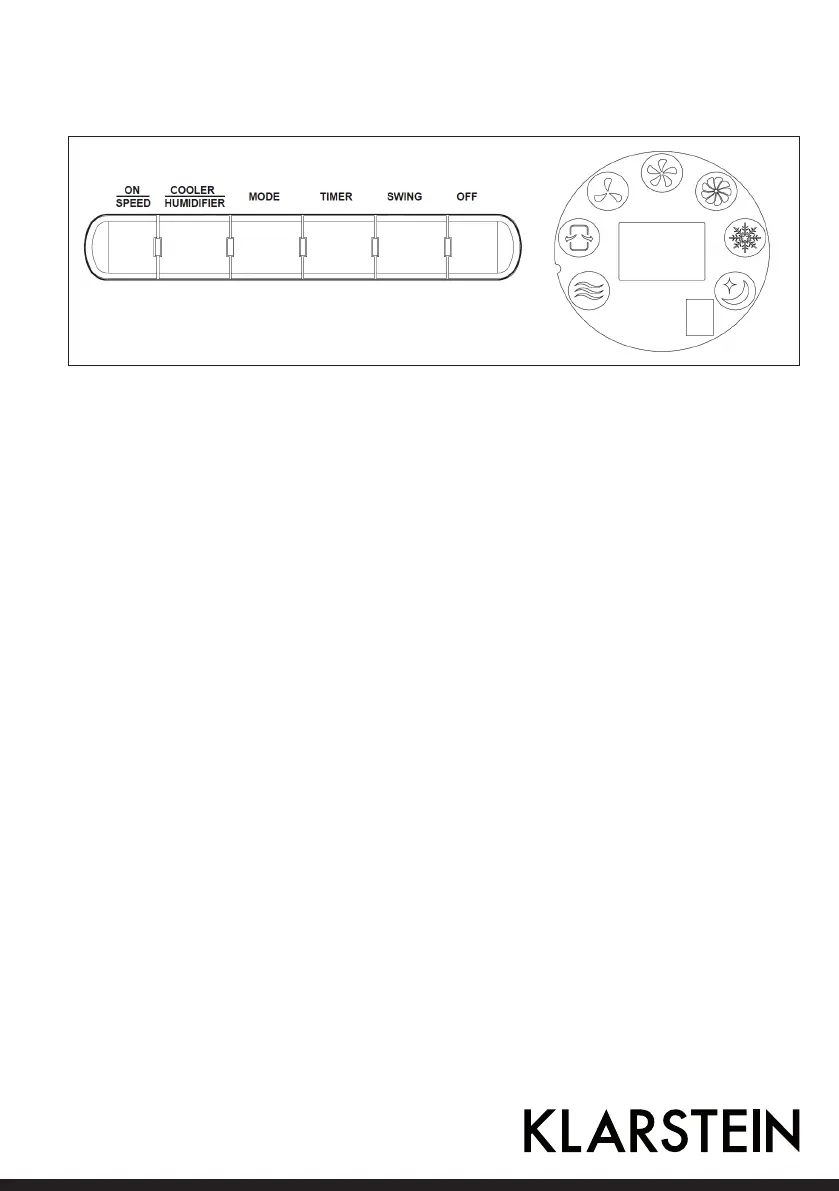
Control Panel and Controls
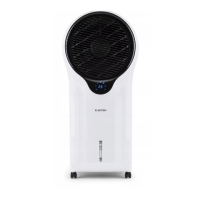
This appliance can be operated by the control panel located on the top of the appliance or by the remote
control: Plug in and you would hear BiBi, the appliance is under standby mode, you can only use ON/SPEED
button.
ON/SPEED button
Under standby mode, press this key and the appliance starts from medium speed, then changes to low speed within
3 seconds.
OFF button
Press this button to exit functions and enter into Standby mode.
COOLER/HUMIDIFIER button
Press this button to active Cooling/Humidifying function, the corresponding LED is on simultaneously.
MODE button
Press the button once to switch from normal to natural Mode, press again to enter into sleeping mode, Press for a third
time to enter into normal mode. The LED lights change accordingly.
• NORMAL mode: the appliance operates in selected wind speed: High, Medium, Low.
• NATURAL mode: the appliance operates according to computerized intervals of changing.
• SLEEPING mode: the appliance operates according to computerized intervals of changing speeds.
TIMER button
Press this button to set timing from 0.5~7.5 hours.
SWING button
Push this button to start the oscillation, press again to stop it.


 To Next Page