EasyManua.ls Logo

Klarstein 10029263 - User Manual

Klarstein 10029263
21 pages
Go to English
Print Icon
To Next Page IconTo Next Page
Loading...
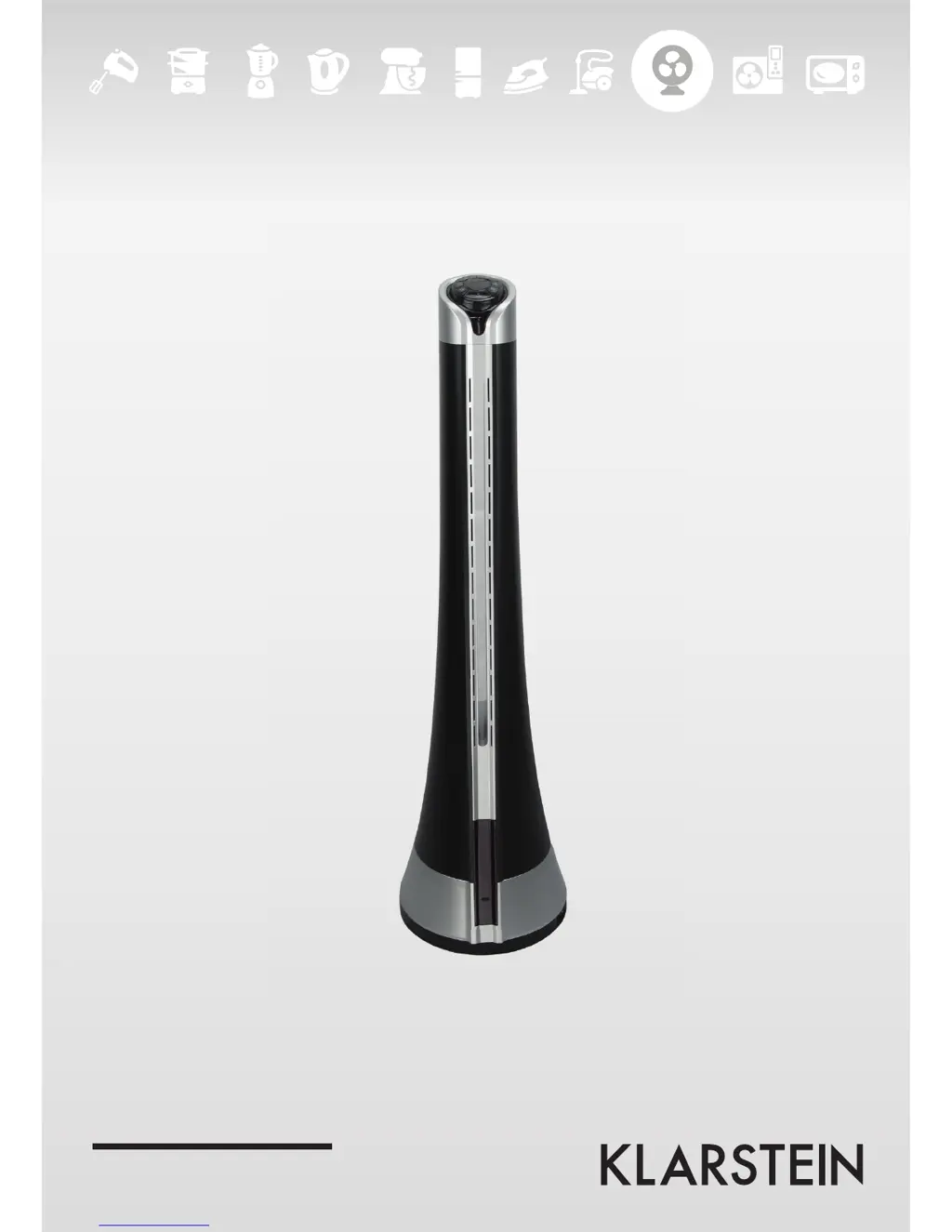
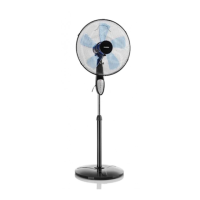
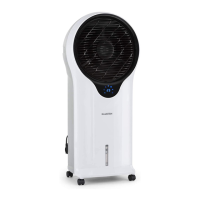
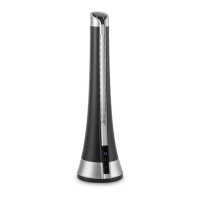
10029263 10029264
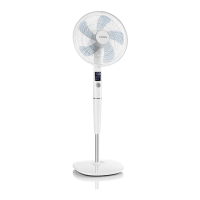
Standventilator

Questions and Answers

  • S
    shannon67Aug 1, 2025
    Why is the airflow slow in my Klarstein 10029263 Fan?
    • M
      Marcus SchaeferAug 1, 2025
      The airflow in your Klarstein Fan might be slow due to a couple of reasons. First, the voltage could be too low; in this case, avoid restarting the fan until the voltage returns to normal. Second, the air inlet or outlet may be blocked. Try cleaning the air inlet or outlet to resolve this.
  • W
    William GarciaAug 16, 2025
    What to do if the power indicator light does not turn on for Klarstein Fan?
    • J
      Jessica GutierrezAug 16, 2025
      If the power indicator light on your Klarstein Fan doesn't turn on, there are several things to check: - First, ensure the outlet is working. - Second, verify the fan is on a level surface. - Third, check that the power switch is turned on. If these steps don't solve the issue, consult an electrician.

Summary

Technical Data

Safety Instructions

Product Description

Use and Operation

Replace Remote Control Battery

Instructions for replacing the battery in the remote control, including cap removal and installation.

Remote Control Usage Notes

Important points for effective remote control use, including receiver location and signal transmission.

Troubleshooting

Cleaning and Care

Disposal Considerations

Declaration of Conformity

Klarstein 10029263 Specifications

General IconGeneral
Power consumption50W
Fan diameter40 cm
OscillationYes
Tilt angleAdjustable
Speeds3
Operating modesNormal, Natural, Sleep
Remote controlYes
Power supply220-240 V, 50 Hz
TimerUp to 7.5 hours
Cable length1.5 m

Related product manuals