7
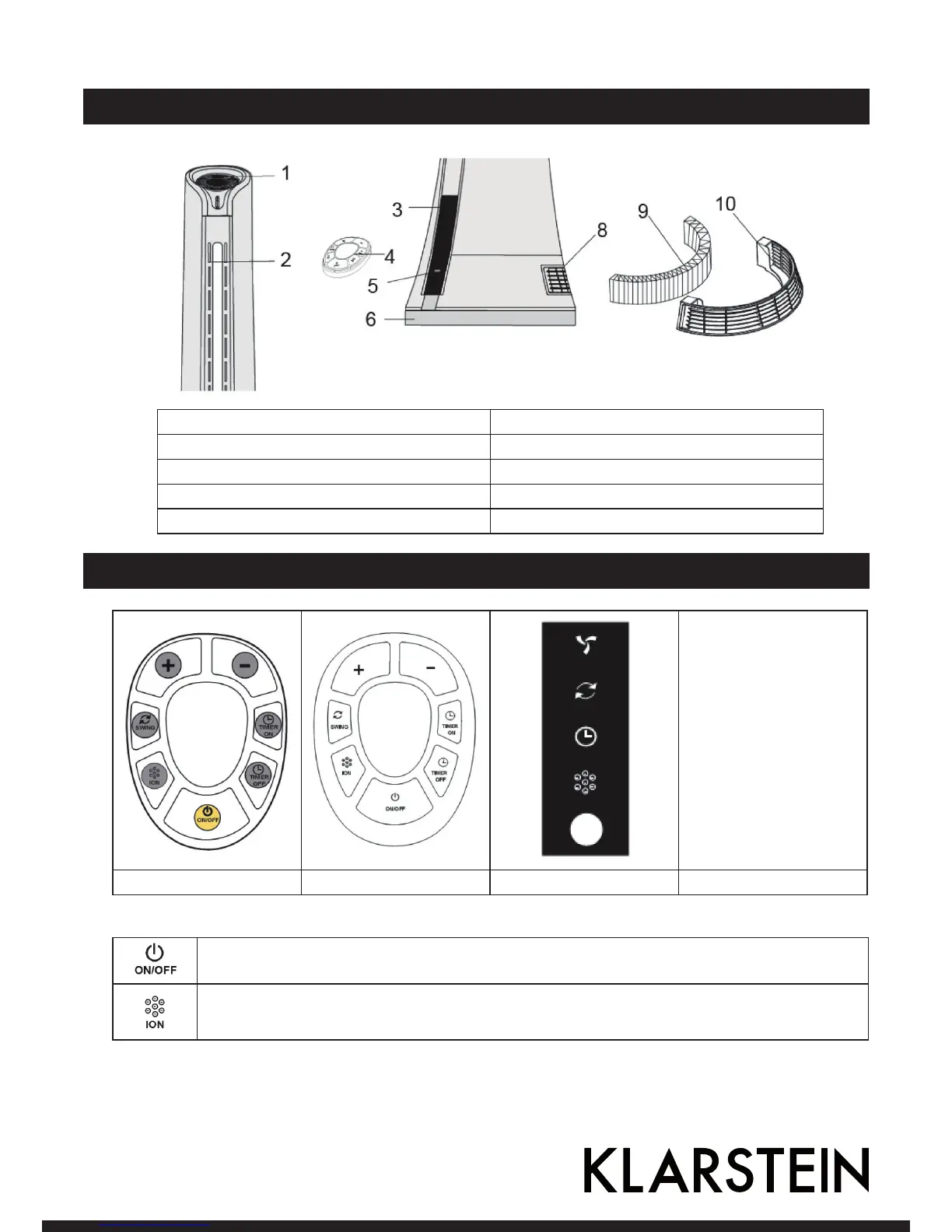
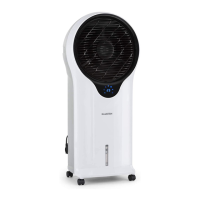
Product Description
1 Control Panel 6 Chassis
2 Air Outlet 8 Air inlet
3 Display Panel 9 Hepa filter
4 Remote Control 10 Air inlet grille
5 Infrared receiver
Use and Operation
Ventilator
Schwingen
Timer
Ionisator
Betriebslicht
Control Panel Remote Control Display Panel Function
Power button: Press “ON/OFF” button and fan will start to blow cooling air,fan speed default in
“3”.Press “power button” again that fan will stop working
Ion generator: press “ION” button and Anion generator will working to produce negative ions to
purify the air,


 To Next Page