7
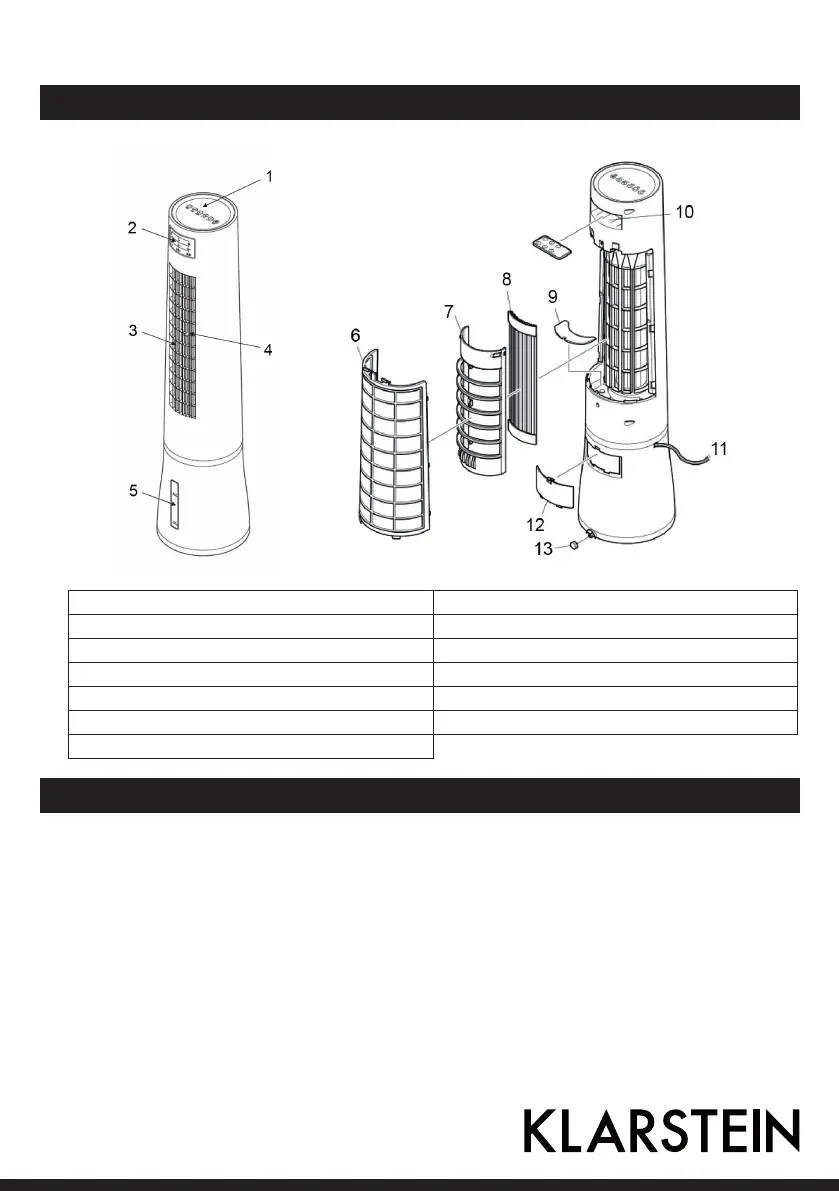
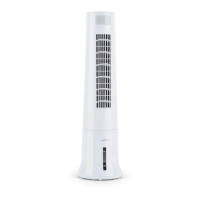
Product Description
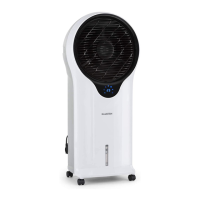
1 Control Panel 8 Water screen
2 Display 9 Filter
3 Air Outlet 10 Remote storage
4 Wind direction knob 11 Power cord
5 Water level display 12 Cover of the water tank
6 Cover of air inlet 13 Drain plug
7 Water screen frame
Use and Operation
ON/OFF button
Press it, then the fan starts working, Lo speed and Normal mode; Press it again, the fan is Off.
SPEED button
Press it, the fan speed is Mid-Hi-Lo-Mid, cycle setting.
OSC button
Press it once, activate the Oscillation feature; Press it again, the fan stops oscillation.


 To Next Page