11
EN
OPERATION
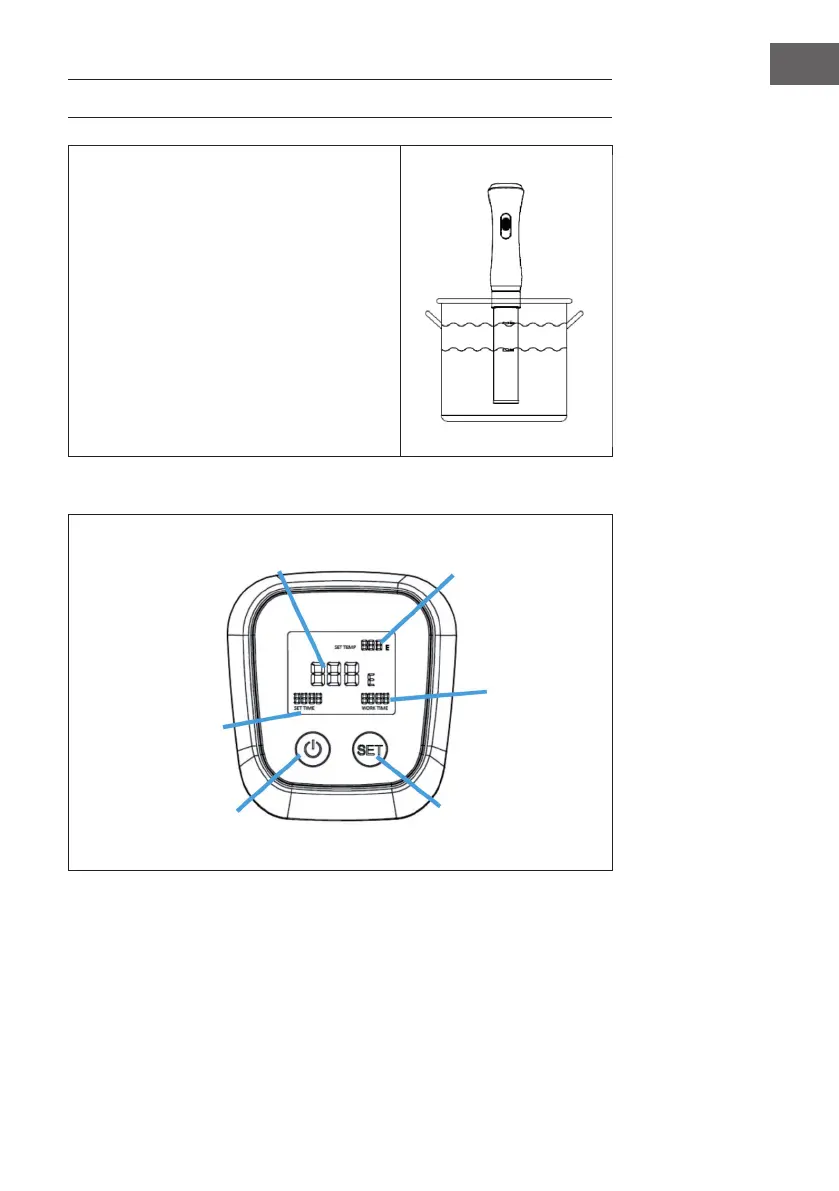
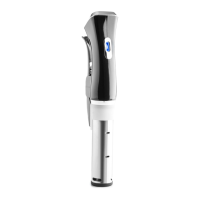
Fill the container with water. Fill the water
container with water, using the water level
indicator on the device, the water level should
be between the MIN and MAX indicated on the
front of the circulator. As Archimedes taught us,
the water level will rise when you add food to
the container, so do not ll it up too high. Clip
the stick to the side of the pot.
Note: As the water temperature increases,
the water will begin to evaporate. The
circulator is equipped with an alarm
indicating a low water level, if the water
level goes below the MIN mark, the
circulator will shut o.
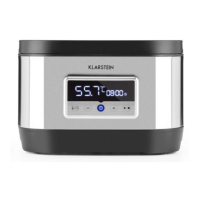
Control panel
Touch the On/O key for more than 5 seconds. The set temperature appears in the
rst line. The second line shows the display of the current temperature. The third
line displays the set time and the operating time. Press and hold the ON/OFF and
SET keys simultaneously for 2 seconds to switch between °C and °F.
Current temperature
On/Off switch
Set cooking time
Set temperature
Current
cooking time
Change of settings



 To Next Page