36
EN
Functions
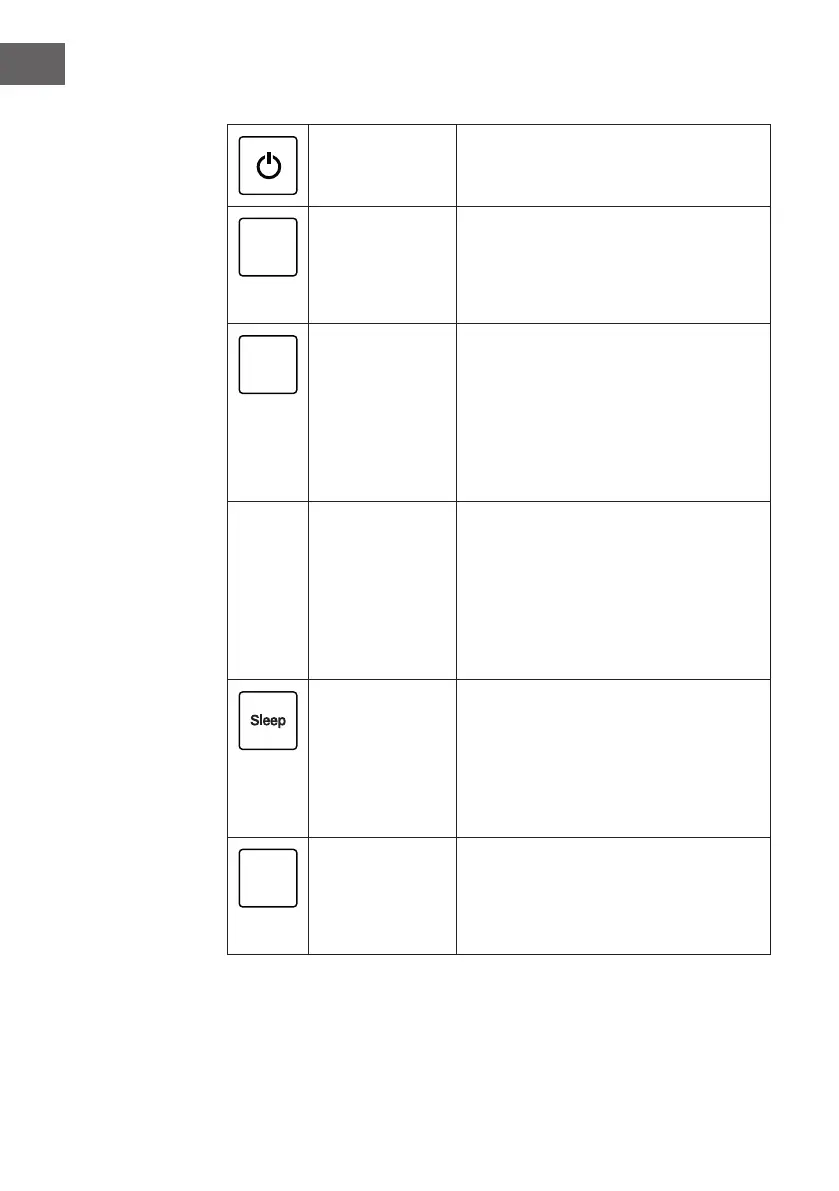
POWER:
(On/Off)
Press this button to turn the unit on and off.
Speed
SPEED:
To change the fan speed, briey press the
SPEED button several times. You can choose
between high, medium and low speed. The
corresponding indicator will light up on the
control panel.
Timer
TIMER: Time until automatic switch-on:
When the unit is in standby mode and you press
the TIMER button, you can set the time until the
unit turns on automatically. The time can be
adjusted with the + and - buttons (1-24 hours).
The timer indicator will light. The unit turns on
after the set time has elapsed.
Time until automatic switch-off:
When the unit is in operating mode and you
press the TIMER button, you can set the time
until the unit turns off automatically. The time
can be adjusted with the + and - buttons
(1-24hours). The timer indicator lights up. The
unit will turn off after the set time has elapsed.
SLEEP:
Press this button to enter sleep mode. The
appliance goes into sleep state immediately,
only the sleep mode indicator lights up slightly,
all other indicator lights are turned off. The fan
switches to low speed. Press the sleep button
again to exit the sleep mode. The appliance
resumes normal operation.
Mode
MODE:
Press the MODE button to set the desired
operating mode. Each time the button is
pressed, you can select one of the modes
“Cool”, “Dry”, “Auto” and “Fan”. The
corresponding indicator lights up.




 To Next Page