22
EN
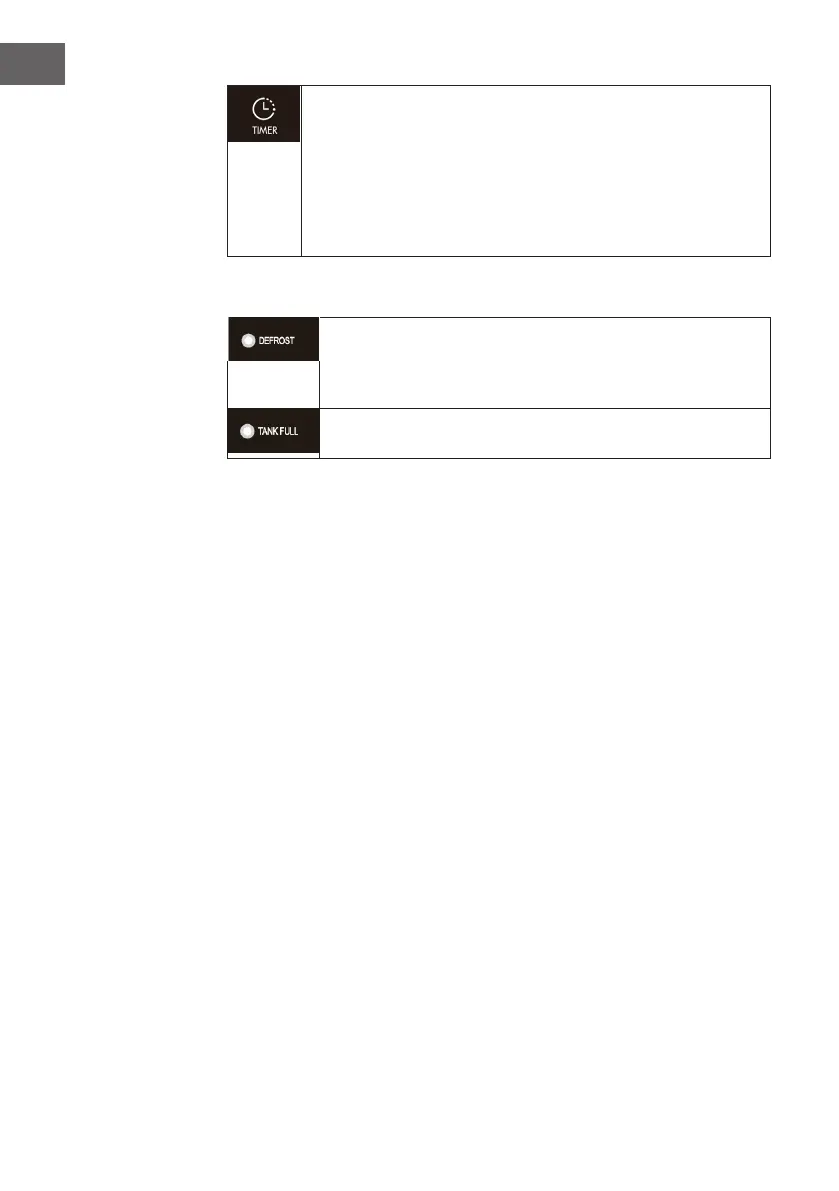
TIMER (timer function): Press timer to program time and „TIMER“ light
comes on while timer is programmed. Before programming make sure
that the timer function has not been actived (the light must be off)! The
following timer programs are available. Delayed power-on function
(the appliance is in stand-by status) USE key „UP“ and „DOWN“ to set
the time period (0~24 hours) The appliance will start once time reaches
setting value. Delayed power-off function (the appliances is in working
stantus) The appliance will stop once time reach setting value.
Indicators
DEFROST: The appliance will defrost automatically as programmed
once the coil sensor detects temperatue below some gure, and the
defrosting indicator will light up at the same time. Once defrosting
nishes, the appliance will recover to previous running mode.
TANK-FULL: If the water tank is full, the indicator light comes on and
ash



 To Next Page