19
EN
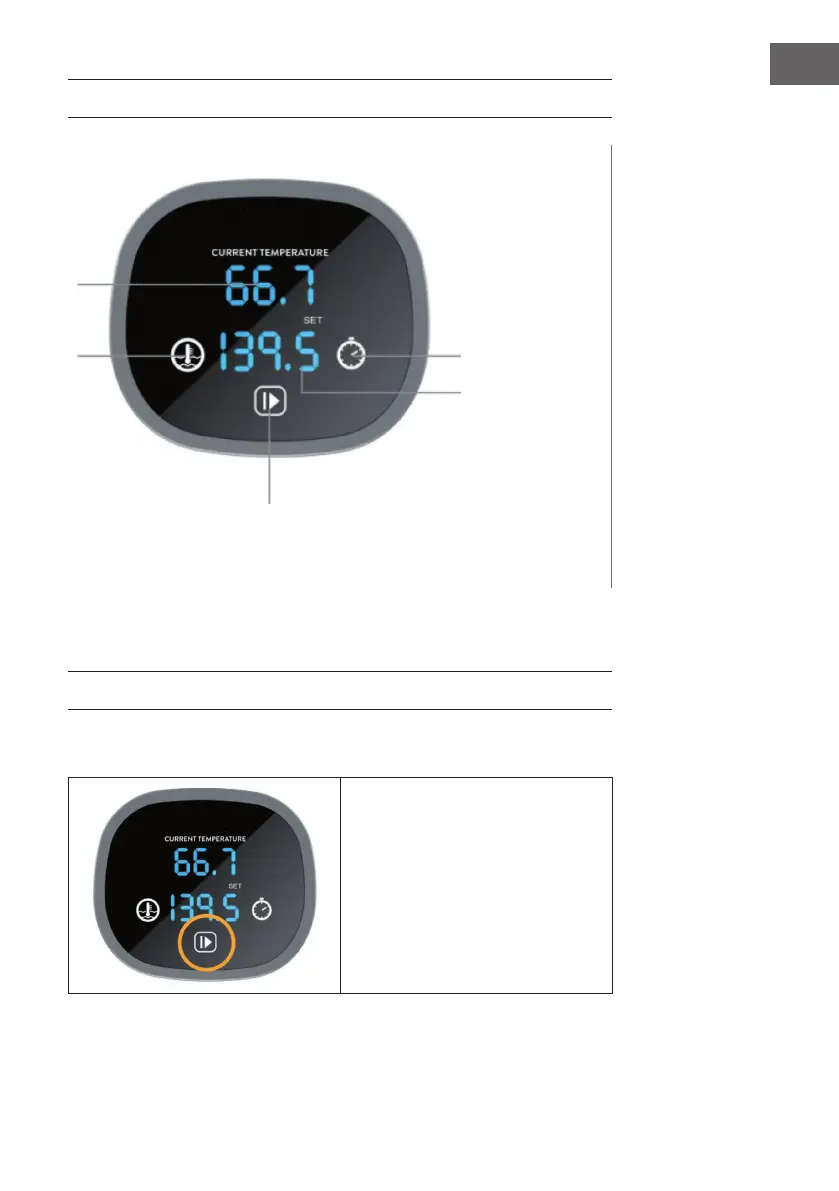
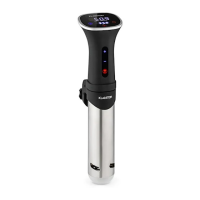
CONTROL PANEL AND KEYS
The control panel consists of an LED display, a timer, temperature control buttons and a
start/stop button.
SETTINGS
Changing the temperature unit
Press and hold the Start/Stop
button for about 3 seconds to
toggle between the temperature
units Fahrenheit and Celsius.
Current temperature
Temperature
Start/Stop
Timer
Set temperature


 To Next Page