13
EN
OPERATION
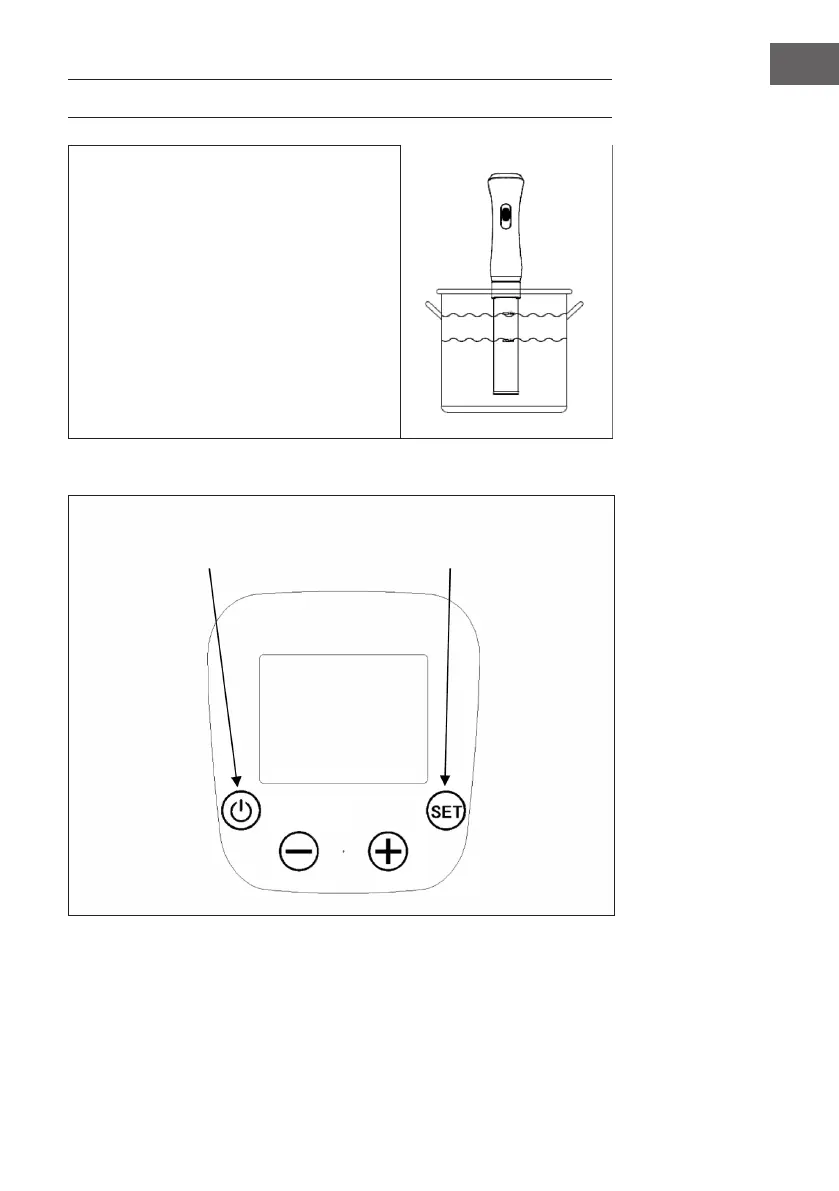
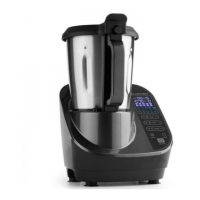
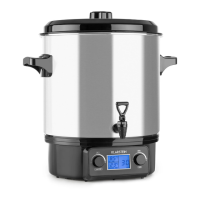
Fill the container with water. Note the water
level indicator. The water level should be
between the "MIN" and "MAX" marks. Note that
the water level rises when you put food in the
top. Do not ll the pot too high when putting
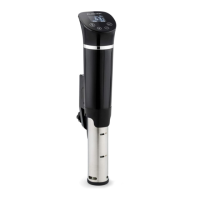
food in. Attach the rod to the rim of the pot with
the clamp.
Note: When the water temperature rises,
the water starts to evaporate. The unit is
equipped with an alarm that signals low
water level. When the water level drops
below the "MIN" mark, the heating element
switches o.
Control panel
POWER button (Start) SET Button (Settings)



 To Next Page