EasyManua.ls Logo

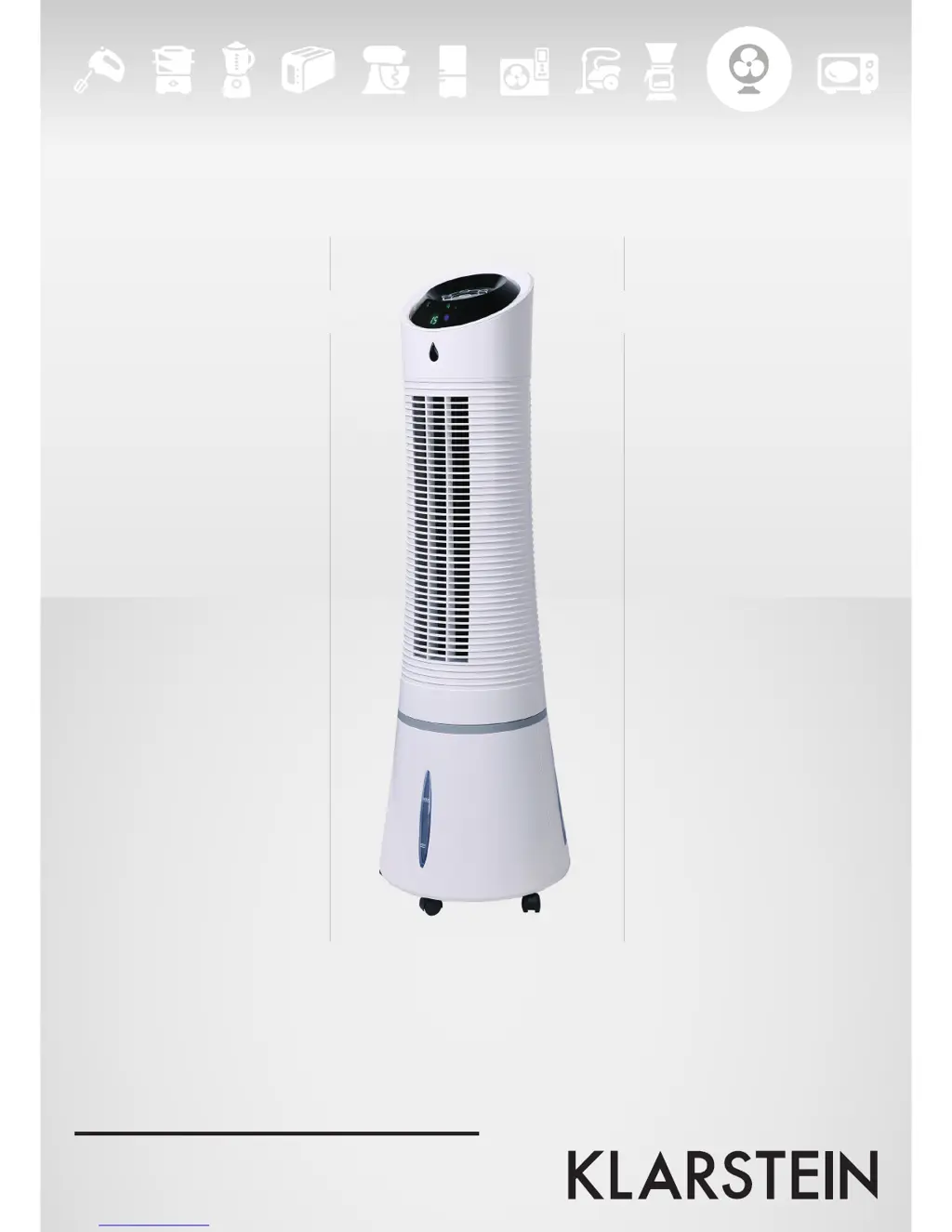
Klarstein Skyscraper Ice - User Manual

Klarstein Skyscraper Ice
21 pages
Go to English
Print Icon
To Next Page IconTo Next Page
Loading...
Zitruspresse orange
10008166 10008167 10008168
10028303
Verdunstungskühlturm

Questions and Answers

Summary

Technical Data

Safety Instructions

Product Description

Filling the Water Tank

Instructions for filling the evaporative cooler's water tank, noting water level indicators and tank capacity.

Using the Ice Pack

Guide on how to use the optional ice pack for enhanced cooling performance in higher temperatures.

Using the Remote Control

Instructions on operating the unit using the provided remote control and its functions.

Control and Display Panel Operation

Power and Speed Control

Details on turning the unit on/off and adjusting fan speed via the ON/SPEED button.

Cooling and Humidifying Function

Explanation of the COOLER/HUMIDIFIER button for activating cooling and adding moisture.

Airflow Mode Selection

Guide to setting airflow modes: Manual, Sleep, and Natural, indicated by display icons.

Timer Function

How to set the programmable timer, with each press adding 0.5 hours.

Swing Feature

Activating the oscillation feature for increased air circulation and even distribution.

Cleaning and Care

Cleaning the Dust Filter and Cooling Pad

Troubleshooting

Disposal Considerations

Declaration of Conformity

Summary

Technical Data

Safety Instructions

Product Description

Filling the Water Tank

Instructions for filling the evaporative cooler's water tank, noting water level indicators and tank capacity.

Using the Ice Pack

Guide on how to use the optional ice pack for enhanced cooling performance in higher temperatures.

Using the Remote Control

Instructions on operating the unit using the provided remote control and its functions.

Control and Display Panel Operation

Power and Speed Control

Details on turning the unit on/off and adjusting fan speed via the ON/SPEED button.

Cooling and Humidifying Function

Explanation of the COOLER/HUMIDIFIER button for activating cooling and adding moisture.

Airflow Mode Selection

Guide to setting airflow modes: Manual, Sleep, and Natural, indicated by display icons.

Timer Function

How to set the programmable timer, with each press adding 0.5 hours.

Swing Feature

Activating the oscillation feature for increased air circulation and even distribution.

Cleaning and Care

Cleaning the Dust Filter and Cooling Pad

Troubleshooting

Disposal Considerations

Declaration of Conformity

Klarstein Skyscraper Ice Specifications

General IconGeneral
BrandKlarstein
ModelSkyscraper Ice
CategoryHumidifier
LanguageEnglish

Videos

How to Troubleshoot Klarstein Skyscraper Ice Cooling Problems

Related product manuals