EasyManua.ls Logo

Klarstein SKYSCRAPER ICE SMART - User Manual

Klarstein SKYSCRAPER ICE SMART
40 pages
Go to English
Print Icon
To Next Page IconTo Next Page
Loading...
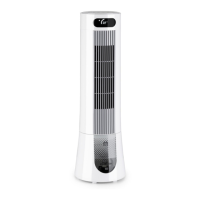
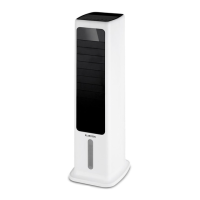
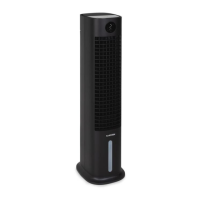
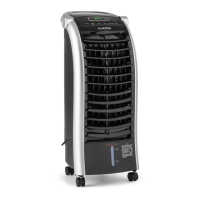
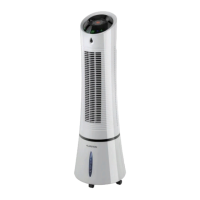
SKYSCRAPER ICE
SMART
Luftkühler
Air Cooler
Enfriador de aire
Rafraîchisseur d’air
Rareddatore d’aria
www.klarstein.com
10040205 10040206 10040207
10040208

Questions and Answers

  • A
    amorrisAug 5, 2025
    What to do if my Klarstein Air Conditioner is not cooling?
    • T
      Tyler EdwardsAug 6, 2025
      If your Klarstein Air Conditioner isn't cooling, several factors could be at play. First, check that the water tank has sufficient water. If the water level is low, refill it. Next, ensure that you've pressed the COOLER/HUMIDIFIER button. If the problem persists, there may be an issue with the water pump.
  • G
    ggloverAug 15, 2025
    Why is there no airflow from my Klarstein Air Conditioner?
    • C
      Charles KochAug 15, 2025
      If there is no airflow from your Klarstein Air Conditioner, there are a couple of things to check. First, make sure the power cord is properly plugged into an outlet; you should hear two beeps when the power is connected. Also, ensure that the water tank is correctly locked into the back of the unit.
  • A
    Anthony HernandezAug 26, 2025
    How to improve cooling on my Klarstein SKYSCRAPER ICE SMART?
    • C
      Carol SalinasAug 26, 2025
      If the cooling from your Klarstein Air Conditioner isn't sufficient, it might be because the cooling pad isn't fully saturated with water. Give it a few minutes to allow the cooling pad to become completely saturated.

Summary

Technical Specifications

Safety Instructions

Special Usage Instructions

Key usage guidelines, including supervision for children and humidity control.

Product Overview

Getting Started and Operation

Filling the Water Tank

Instructions for filling the water tank, including water level guidelines.

Remote Control Guide

Remote Control Battery Installation

Steps for opening the battery compartment and inserting the battery into the remote control.

Appliance Button Functions and Indicators

Wind Pattern Modes

Natural Mode Wind Patterns

Visual representation of wind speed variations in natural mode.

Night Mode Wind Patterns

Visual representation of wind speed variations in night mode.

Smartphone App Control

Troubleshooting App Connection Issues

Specific steps to resolve issues when the device cannot be found in the WLAN.

Cleaning and Maintenance

Disposal Guidelines

Declaration of Conformity

Troubleshooting Common Issues

Klarstein SKYSCRAPER ICE SMART Specifications

General IconGeneral
BrandKlarstein
ModelSKYSCRAPER ICE SMART
CategoryAir Conditioner
LanguageEnglish

Related product manuals