26
EN
Using the ice box
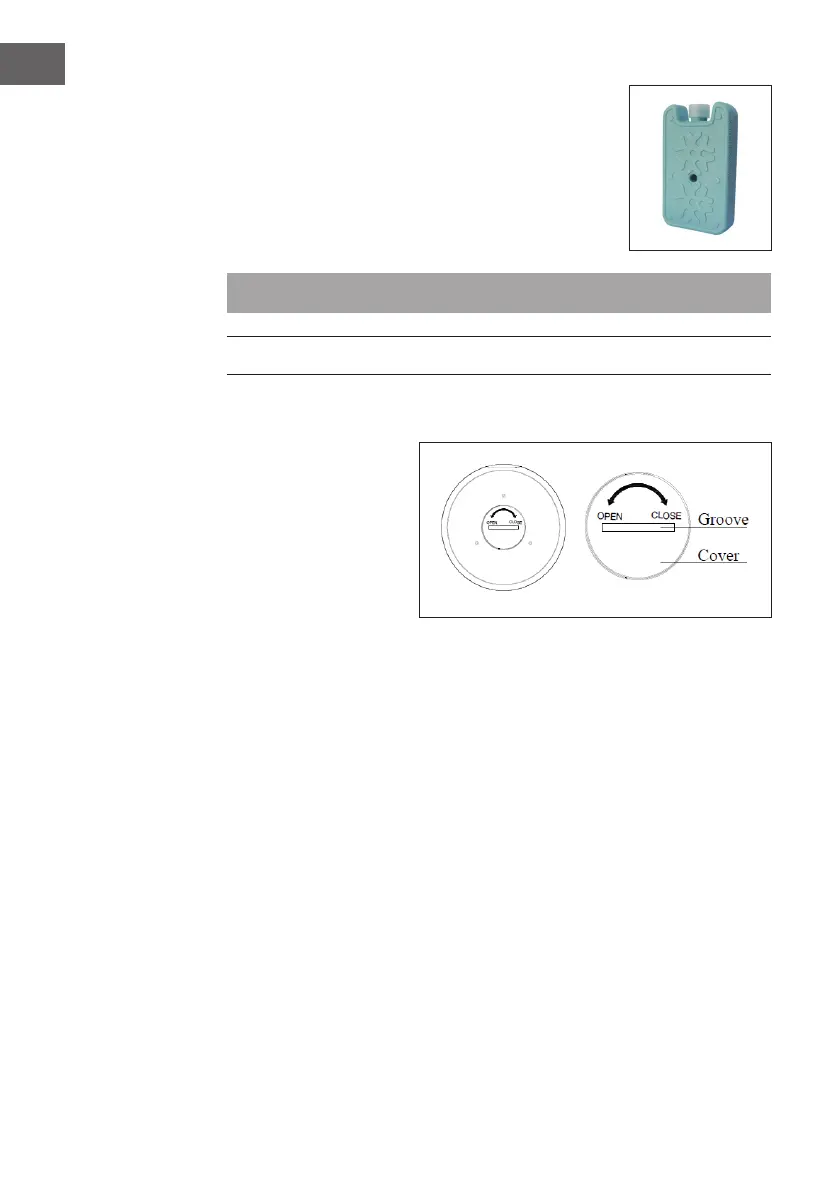
The appliance contains two ice boxes for extra cooling.
1. Place the ice box in a freezer compartment.
2. Place the frozen ice box in the tank. After about
10minutes, the water temperature in the tank will be
lower than the ambient temperature.
Note: Never open the ice box and do not swallow the ice.
REMOTE CONTROL
Inserting the battery
Open the battery
compartment cover on the
back of the remote control,
insert a 3V CR2032 battery.
The remote control can then
be used.
Use a coin to open the battery compartment. Insert the coin into the slot on the back of
the remote control and turn it as indicated on the remote control. Pay attention to the
positive and negative poles when inserting the battery. Point the remote control at the
sensor and press one of the function buttons.






 To Next Page