33
EN
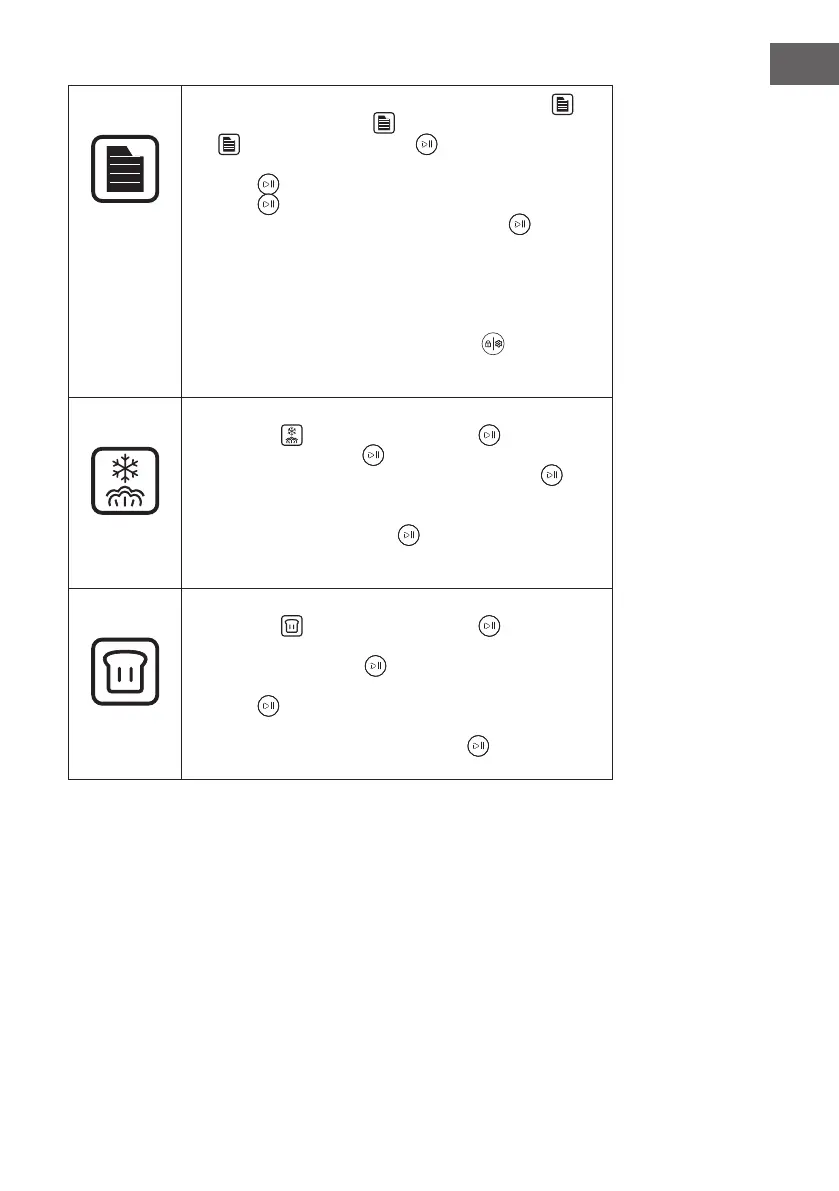
Menu
• You can select from 31 recipes with the [Menu button]
.
When the [Menu button] is pressed, the [Menu indicator]
and the [Start/Pause knob] ash simultaneously.
“F-00“ is shown on the LED display. Press the [Start/Pause
knob] to enter the menu selection. Turn the [Start/Pause
knob] to display the recipes one after the other (“F-01“,
“F-02“ ... “F-31“). Press the [Start/Pause knob] to select
a recipe.
• When a recipe is selected, the [Setup/Child Lock button]
lights up after the start. This button can be used to adjust the
cooking time according to the amount of food. For a recipe,
the time can only be adjusted once at a time during operation.
Afterwards, the [Setup/Child Lock button] light goes out
and the time cannot be adjusted again until the cooking of the
selected recipe is nished.
Unfreezing
• When you select the “Unfreezing“ function, the [Unfreezing
indicator]
and the [Start/Pause knob] ash. Press
the [Start/Pause knob] and turn it to set a time between
5 minutes and 2 hours. Press the [Start/Pause knob] to
conrm the time setting. Now you can set the temperature.
A temperature between 50 °C and 60 °C can be set. Then
press the [Start/Pause knob] to conrm. The appliance
now starts operation with the countdown.
• The preset time is 20 minutes and the temperature is 55 °C.
Fermenting
• When you select the “Fermenting“ function, the [Fermenting
indicator]
and the [Start/Pause knob] light up. The
preset time is 40 minutes and the temperature is 40 °C.
The [Start/Pause knob] can then be used to set a time
between 5 minutes and 2 hours. Press the [Start/Pause
knob] to conrm the time setting. Now you can set the
temperature. A temperature between 30 °C and 50 °C
can be set. Press the [Start/Pause knob] to conrm. The
appliance will now start operation.


 To Next Page