45
EN
Function Description
Setting
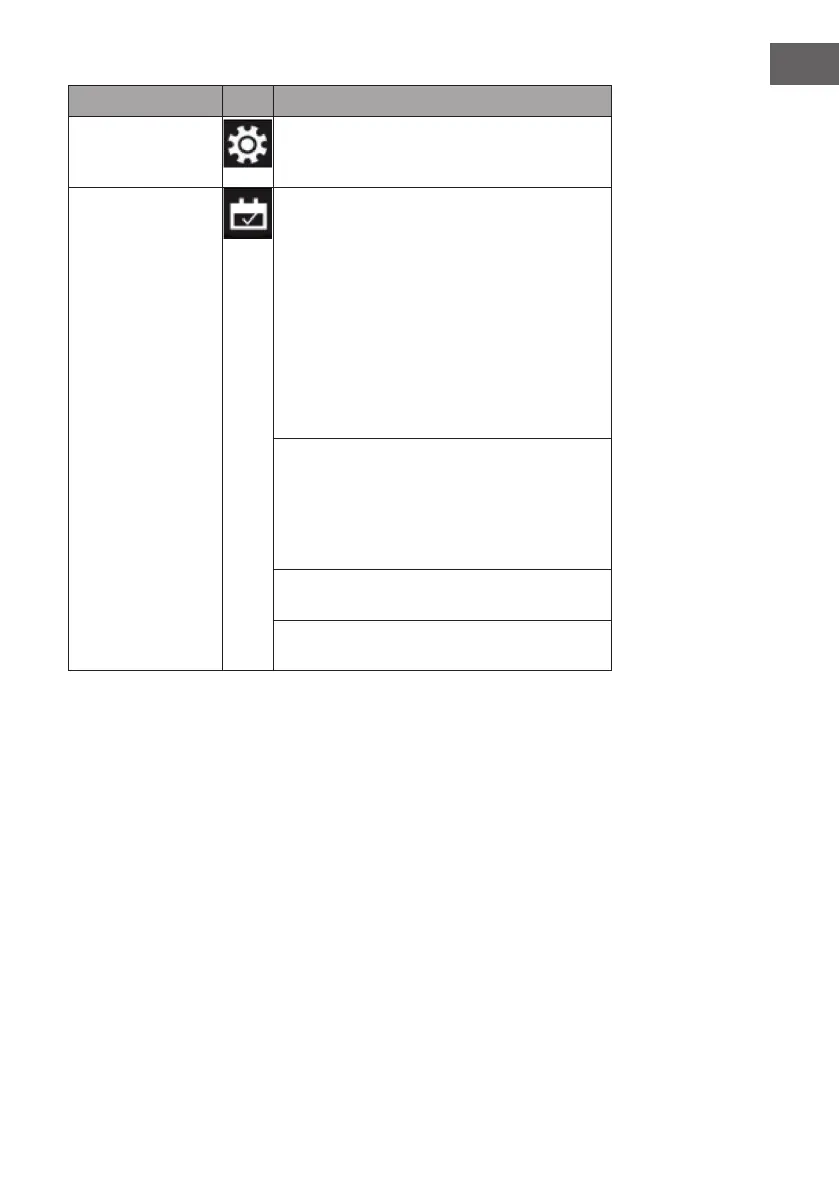
Time setting: Press and hold the setting symbol for 3
seconds until "00:00" ashes. Press the [+] button to
set the hour and [-] to set the minute.
Weekly timer Press the gear icon to activate the weekly timer
and then press the calendar icon to select Sunday -
Saturday. Conrm by pressing the gear icon or the
alarm icon. You can make seven time periods and
temperature settings. First timer (turn on): Press the
gear icon to enter the setting. The screen displays
"1 ON" and the time is shown as "01:00". Press [+]
to adjust the hour and [-] to adjust the minute. Then
press the calendar icon or [+] repeatedly to select a
day from Sunday to Saturday. Press the temperature
icon and adjust the temperature using the [+] and [-]
buttons. Conrm your selection with "OK".
First timer (turn off): Press the gear symbol again to
set the time to turn off the rst timer and the time will
be set as "02:00". Press [+] to adjust the hour and
[-] to adjust the minute. The day and temperature
are equivalent to "First timer (turn on)" and therefore
cannot be set. Conrm your setting with "OK".
2nd to 7th timer: Repeat the timer setting for each
subsequent day as for the rst timer.
After you have set the weekly timer, you can press
[X] to cancel.



 To Next Page