22
EN
If you choose a specic day in a week as ST, then you can choose any day as ET. the
switch will be turned ON/OFF base on the specic ST day and time to ET. day and time
in a range of one week, and the program will repeat every week.
Display slot info
Users can view their programmed time or temperature by selecting the slot in program
mode, user are allow to close or open the slot easily.
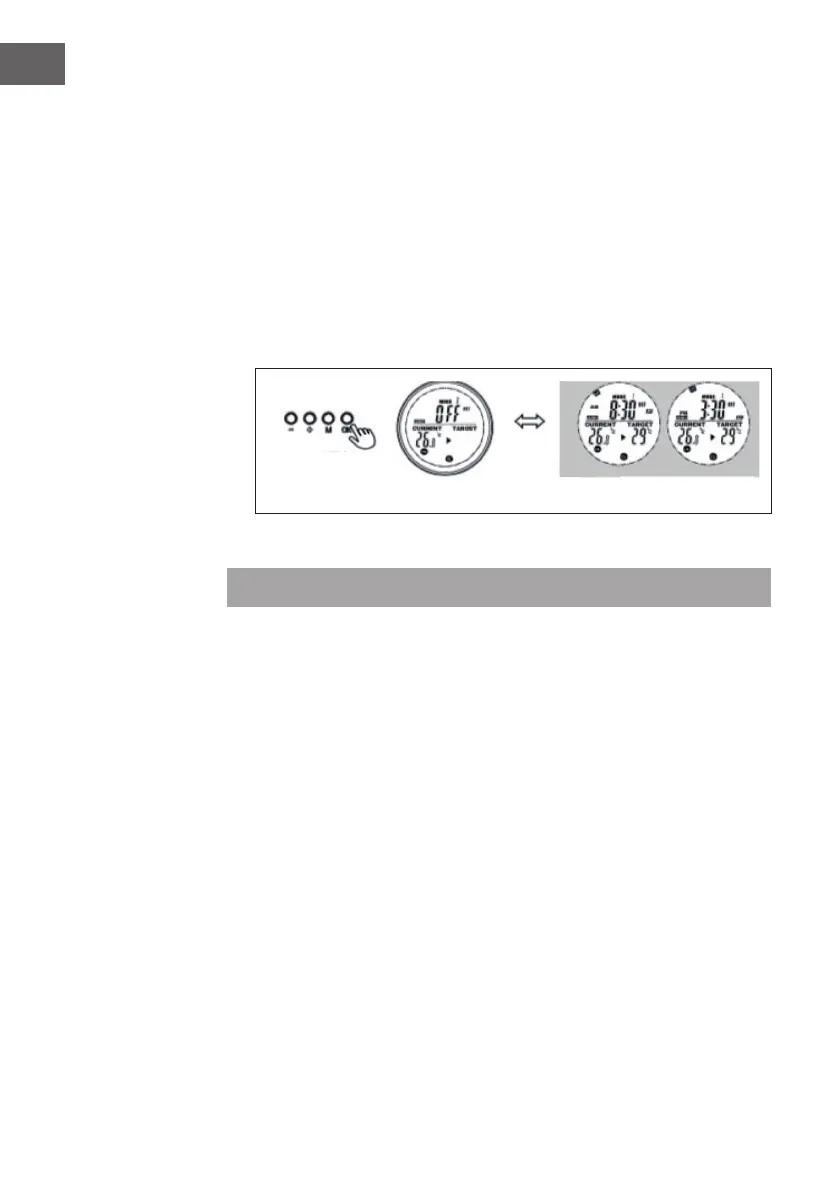
1. Go the programme mode.
2. Select the target slot you want to view, the programmed start time and end time
will scroll in 1 second and repeat, all other information is displayed as well.
3. Press the OK button to turn off this slot, press again to recover the slot.
Open-window mode
Note: Open-window mode when running overrides all modes.
• If the temperature in the room drops by more than 6 °C within 20 minutes, the
device interprets this as an open window and the heating switches off automatically.
• As long as the mode is active, OPEN ashes in the display.
• Press any button on the remote control to return to the manual setting mode.
Battery change
• Remove the cover of the battery compartment.
• Replace the old batteries with 2 new AA batteries and close the battery
compartment again.





 To Next Page