Operating Manual CDP3 Page 5 of 40 Version 03
Front Panel Description
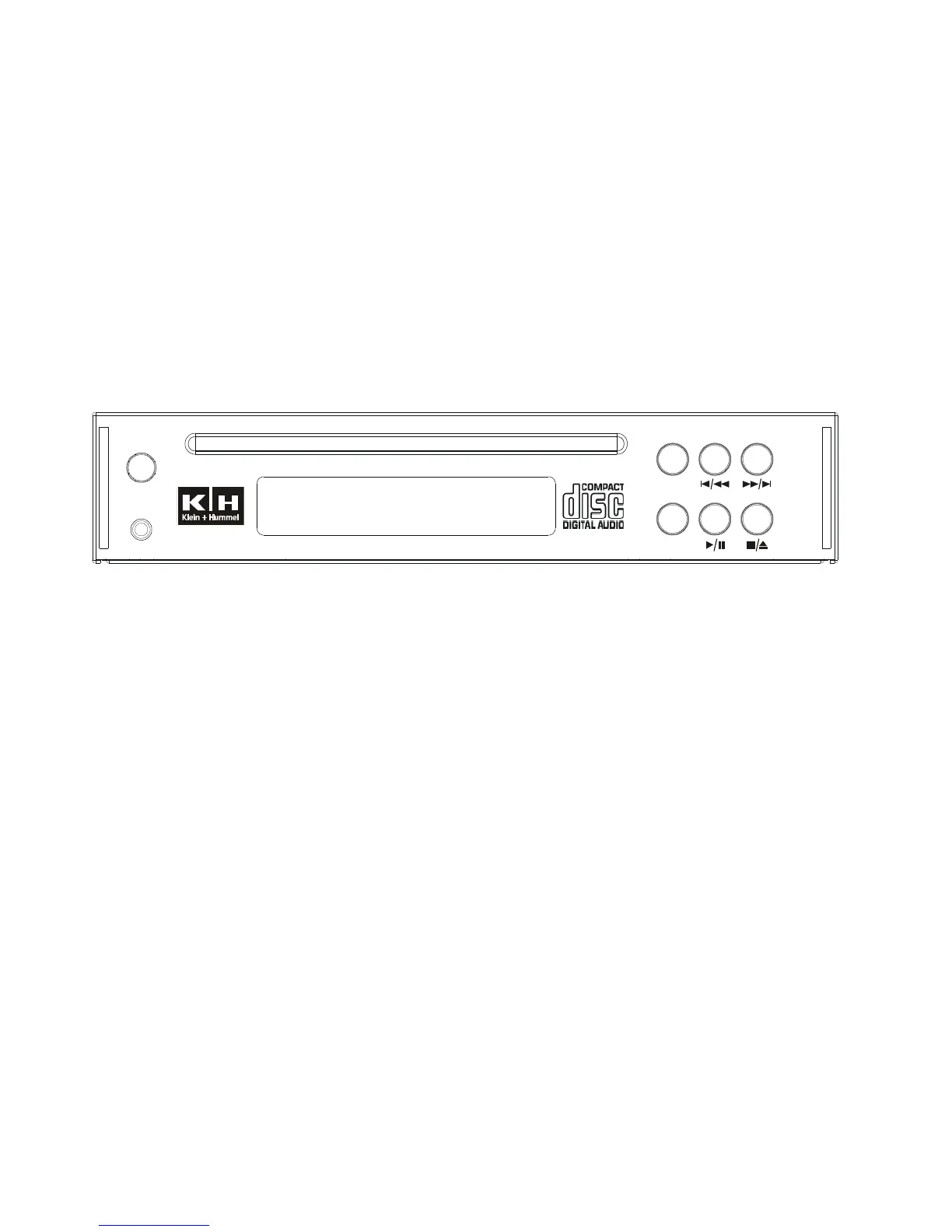
CDP3 Front Panel
ON Turns the power to the CD Player on and off.
PHONES Stereo ¼” audio output for use with headphones.
TIME/INFO Switches the display between elapsed time, remaining time and track information.
REPEAT Switches the repeat mode between no repeat, single track repeat and entire CD repeat.
PLAY/PAUSE Begins and pauses audio playback of the CD player.
PHONES
ON
CDP3 A C M P
UDIO D AND P3 LAYER
REPEAT
TIME/INFO



 To Next Page