8 9
OPERATING INSTRUCTIONS
VIEWING AND MANAGING PHOTOS AND VIDEO FILES
To access photo and/or video files, tap the Settings icon
C
, then
select the Video
J
or Photo
K
menu.
Tap on a file
O
to view.
To manage files, tap the Select Items icon
I
to select file(s). Once
selected, files can be copied, sent externally
N
or deleted
O
.
To exit File Management mode, tap the Exit File Management mode
icon
R
.
ENGLISH
CLEANING
Be sure unit is turned off and wipe with a clean, dry lint-free
cloth.
Do not use abrasive cleaners or solvents.
STORAGE
Do not expose to high temperatures or humidity. After a period of
storage in extreme conditions exceeding the limits mentioned in the
General Specifications section, allow the unit to return to normal
operating conditions before using.
WARRANTY
www.kleintools.com/warranty
DISPOSAL / RECYCLE
Do not place equipment and its accessories in the trash.
Items must be properly disposed of in accordance with local
regulations. Please see www.epa.gov or www.erecycle.org
for additional information.
CUSTOMER SERVICE
KLEIN TOOLS, INC.
450 Bond Street Lincolnshire, IL 60069 1-800-553-4676
customerservice@kleintools.com www.kleintools.com
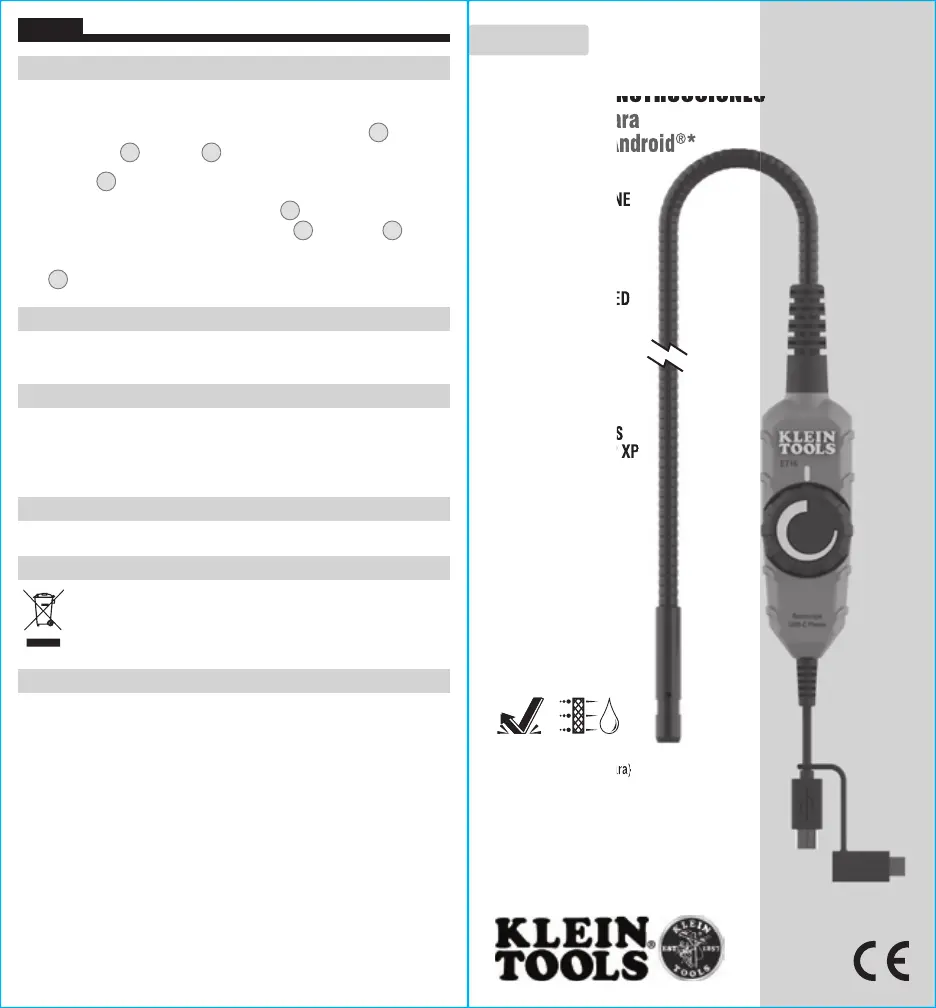
MANUAL DE INSTRUCCIONES
Boroscopio para
dispositivos Android
®
*
• CUELLO DE CISNE
BLINDADO DE
10' (3,05 m)
• CÁMARA DE
0,35" (9mm)
CON 6 LUCES LED
INTEGRADAS
• SE CONECTA A
LA MAYORÍA DE
DISPOSITIVOS
ANDROID
®
*
Y TAMBIÉN
COMPUTADORAS
CON
WINDOWS
®
XP
*Android
®
versión 4.0 o
superior
ET16
ESPAÑOL
(Solo la cámara)
2 m
IP67


 To Next Page