Case
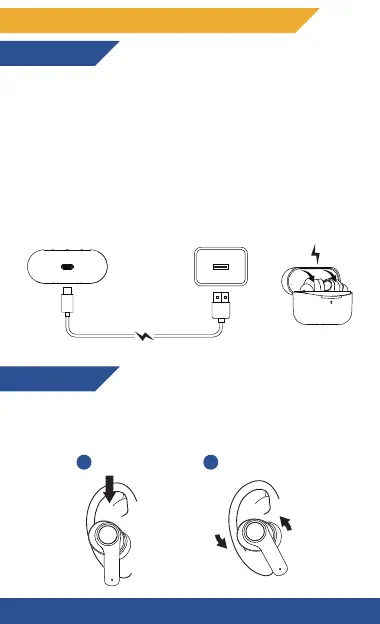
Connect the USB-C charging cable to a USB Port of your
laptop/computer or directly to a DC 5V adapter to
charge the case.
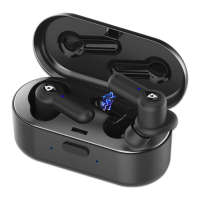
Earphones
Simply put the earphones into the charging case, and
they will start to charge automatically.
DETAILED OPERATING INSTRUCTIONS
Charging
Wearing
Insert the earphones into the inner canal of your ears
and turn them gently until you find the most
comfortable and secure position.
2
1
Insert
Twist and Lock
6


 To Next Page