2. THE MENU - CHRONO-THERMOSTAT
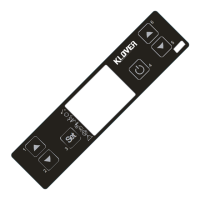
The Menu is accessed by pressing key 3 (Set) twice.
This is divided into different levels (called UT...) to access the board's programming and settings.
The technical programming access menu entry (UT04) (parameters reserved to Technical Assistance Centre)
is protected by access key (see “Power board calibrations”).
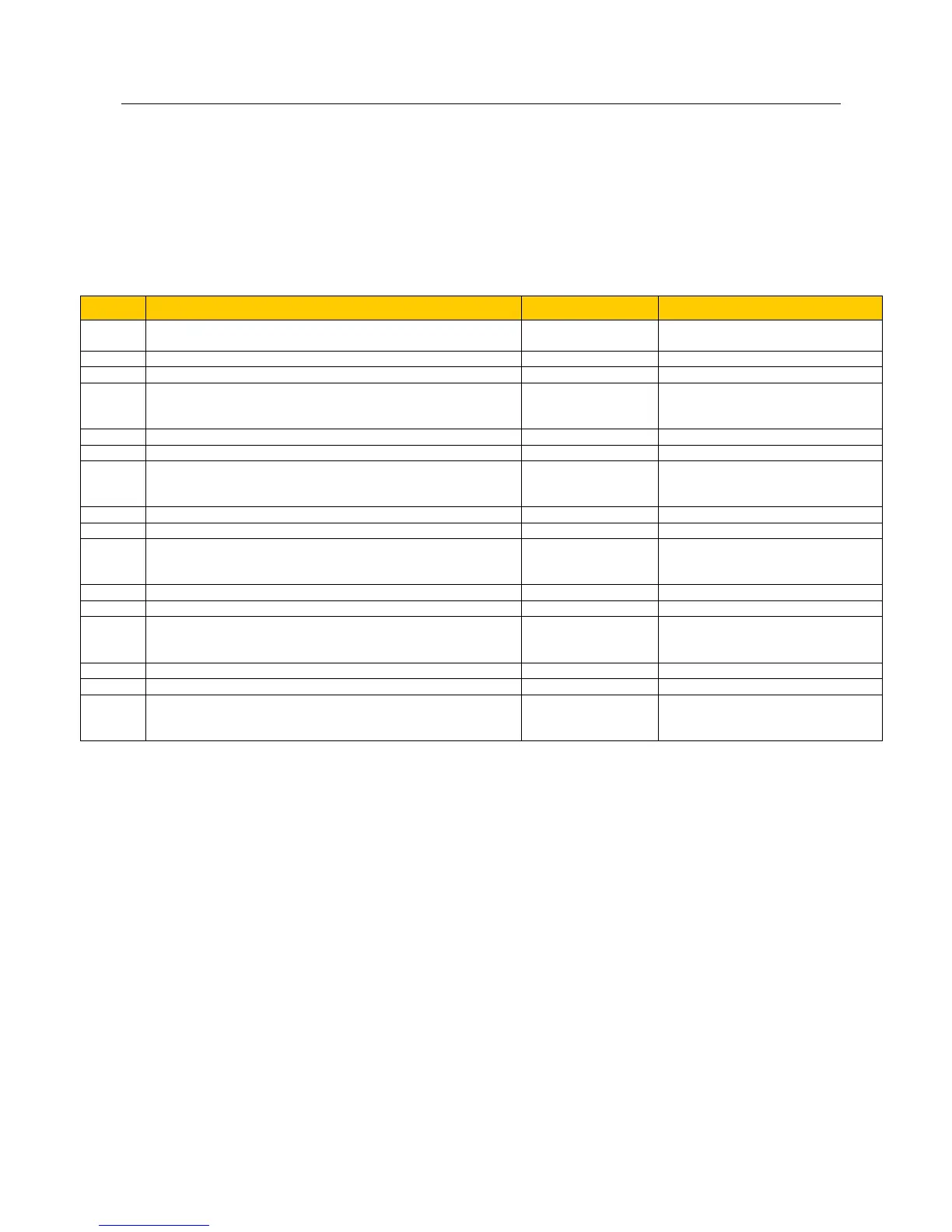
The menu structure is summarised in the following table:
Set current day or OFF (the chrono-thermostat is completely
deactivated by setting OFF).
OFF, Mon, Tues, Wed,…..Sun
The various parameters tables reserved to Technical
Assistance Centre are accessed by setting one of the access
keys.
First program ignition time.
From 00.00 to 23.50 with 10’ steps
First program switch-off time.
From 00.00 to 23.50 with 10’ steps
Choice of days first program is to be considered
(program times will be considered by setting ON on day;
program times will not be considered by setting OFF on day).
Mon on/off, Tues on/off, Wed
on/off, Thurs on/off, Fri on/off, Sat
on/off, Sun on/off
Second program ignition time.
From 00.00 to 23.50 with 10’ steps
Second program switch-off time.
From 00.00 to 23.50 with 10’ steps
Choice of days second program is to be considered (program
times will be considered by setting ON on day; program times
will not be considered by setting OFF on day).
Mon on/off, Tues on/off, Wed
on/off, Thurs on/off, Fri on/off, Sat
on/off, Sun on/off
Third program ignition time.
From 00.00 to 23.50 with 10’ steps
Third program switch-off time.
From 00.00 to 23.50 with 10’ steps
Choice of days third program is to be considered
(program times will be considered by setting ON on day;
program times will not be considered by setting OFF on day).
Mon on/off, Tues on/off, Wed
on/off, Thurs on/off, Fri on/off, Sat
on/off, Sun on/off
Fourth program ignition time.
From 00.00 to 23.50 with 10’ steps
Fourth program switch-off time.
From 00.00 to 23.50 with 10’ steps
Choice of days fourth program is to be considered
(program times will be considered by setting ON on day;
program times will not be considered by setting OFF on day).
Mon on/off, Tues on/off, Wed
on/off, Thurs on/off, Fri on/off, Sat
on/off, Sun on/off
Set “OFF” in user menu Ut01 to deactivate chrono-thermostat.



 To Next Page