Data Vault
USER INSTRUCTIONS
Page 11
ENGLISH
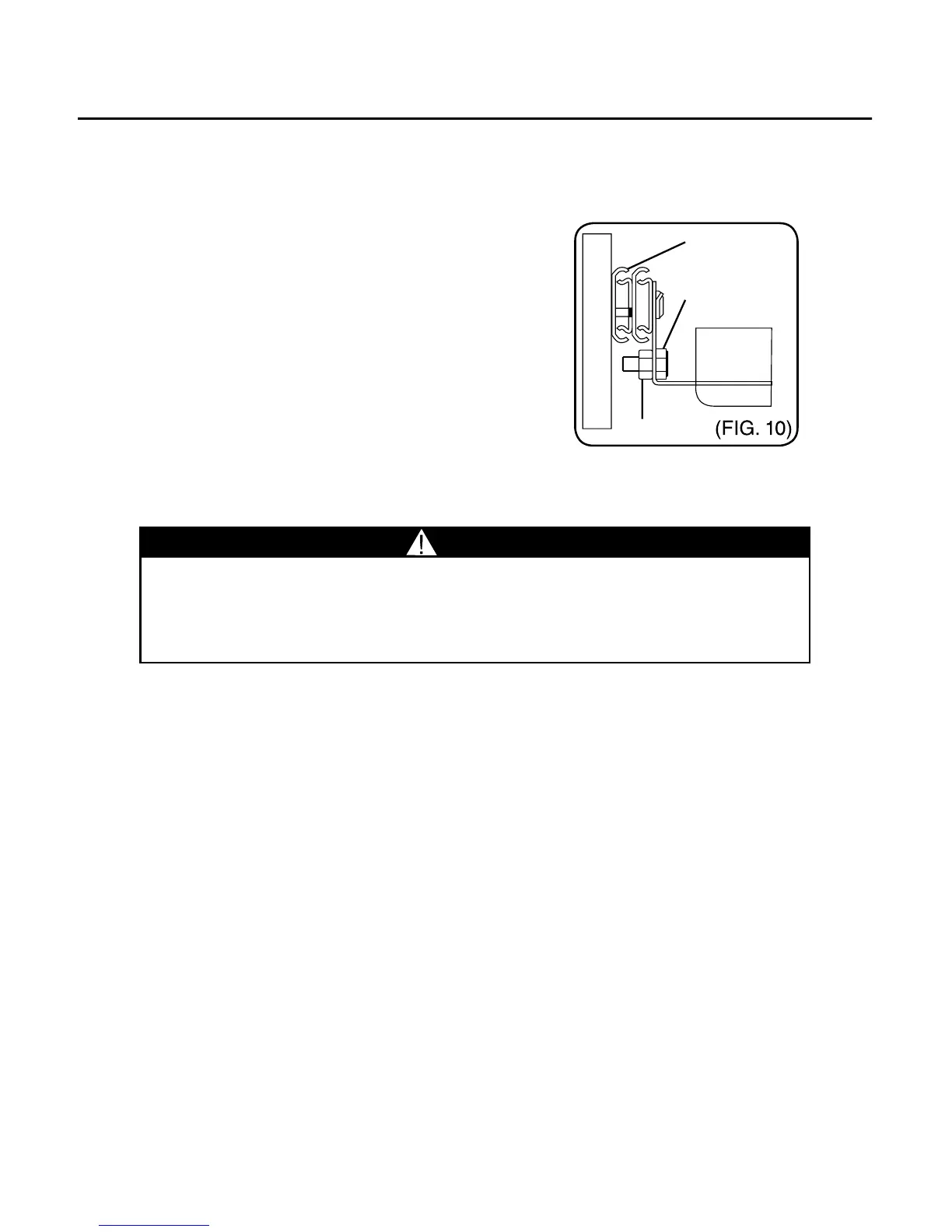
c. Drawer Retention
1. Install 14-20 x 5/8” hex head bolt
on inside of the front, 2 places each
drawer. Fasten with 1/4-20 whiz nut.
2. This will prevent the drawer
from bouncing out when being
transported.
IX. Installing Straps C
Straps have been provided to secure
printer and power supply. Simply route strap through slots and pull
until snug.
CAUTION
Pull out only one drawer at a time to avoid sudden tipping of product
which could cause serious personal injury or property damage. For
optimal weight distribution of unit, install large drawers in lower
positions.
Notice: Any modication or unintended use of this product shall
immediately void all manufacture’s warranties. Manufacturer
disclaims all liability for injuries to persons or property resulting from
any modications to, or unintended use of this product.



 To Next Page